A WhatsApp link lets anyone message you directly without saving your number first. One tap opens a conversation in WhatsApp — no phone book entry required, no friction, no steps. This guide explains exactly how WhatsApp click-to-chat links work, how to generate one in seconds, and how to use them to make your business more contactable.
What Is a WhatsApp Link?
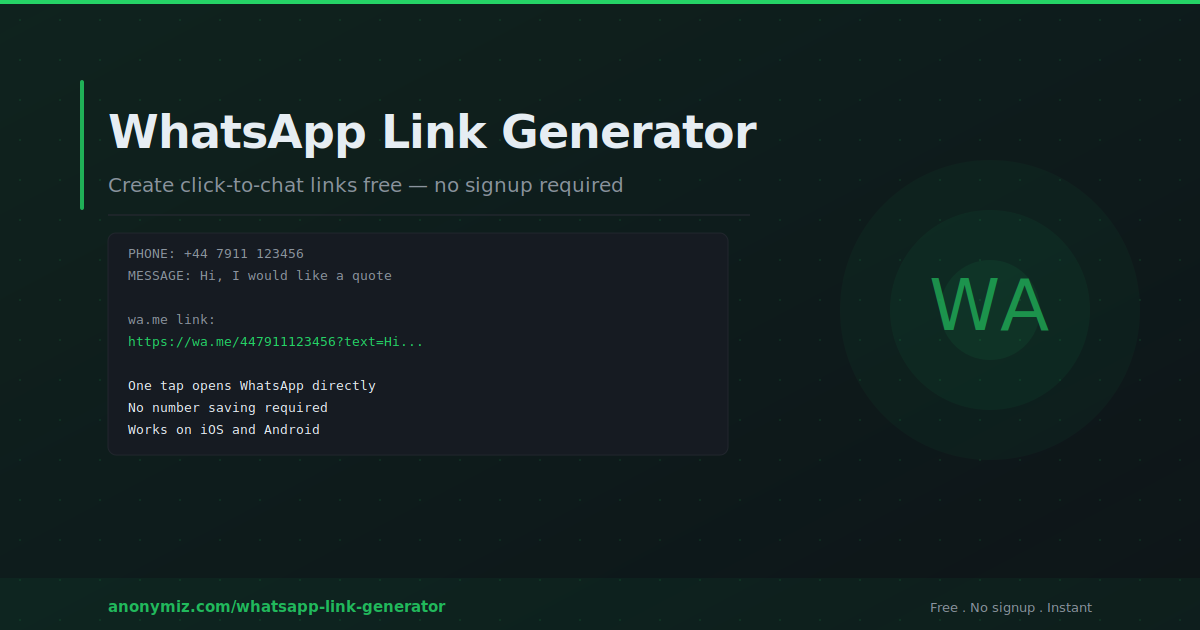
A WhatsApp link is a URL using the wa.me format that opens WhatsApp and starts a conversation with a specific phone number when clicked. The basic format is https://wa.me/[phone number in international format] — for example, https://wa.me/447911123456 for a UK number.
When someone clicks a WhatsApp link on their phone, WhatsApp opens directly to a chat with that number. On desktop, it opens WhatsApp Web. No saving the number to contacts, no searching — one tap to conversation.
You can also add a pre-filled message so the user arrives with a message already typed in their chat box — they just tap send. This makes it easy to standardise the first message customers send you: "I am interested in your services", "I have a question about my order", or "I would like a quote".
How to Create a WhatsApp Link
The Anonymiz WhatsApp Link Generator creates click-to-chat links instantly — no account, no login, completely free. Here is how to use it:
- Go to anonymiz.com/whatsapp-link-generator
- Select your link type — Personal/Business for direct contact, Group Invite for WhatsApp groups, or Channel Link for WhatsApp Channels
- Select your country code from the dropdown and enter your phone number
- Optionally add a pre-filled message that will appear in the chat when someone clicks the link
- Copy the generated link and share it anywhere
The wa.me URL Format Explained
WhatsApp's official click-to-chat format uses the wa.me domain. The structure is: https://wa.me/[phone]?text=[URL-encoded message]
The phone number must be in full international format with the country code — no plus sign, no spaces, no dashes or brackets. A UK number like 07911 123456 becomes 447911123456 (44 is the UK country code, drop the leading 0). A US number like +1 (415) 555-1234 becomes 14155551234.
The text parameter is optional. If included, the message text must be URL-encoded — spaces become %20, question marks become %3F, and so on. The Anonymiz generator handles all encoding automatically so you do not need to do this manually.
Types of WhatsApp Links
Personal and Business Contact Links
The most common type — links directly to a conversation with a specific phone number. Used on websites, business cards, email signatures, social media bios, and anywhere you want customers to be able to message you directly. Can include a pre-filled message to give customers a conversation starter.
Group Invite Links
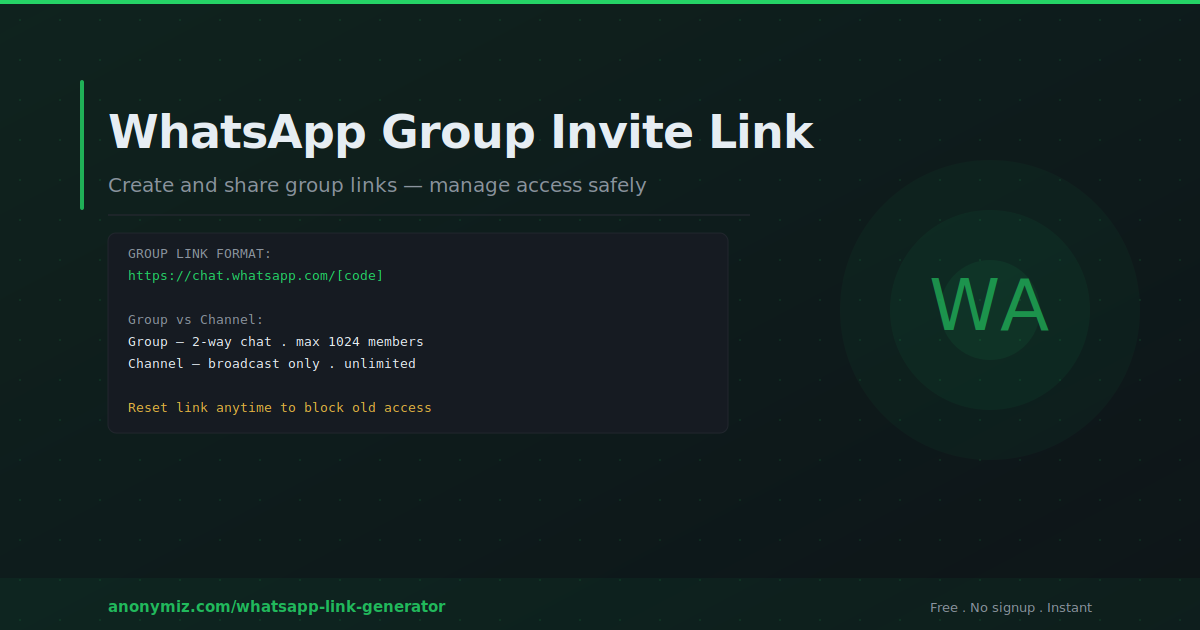
WhatsApp group invite links allow people to join a specific group by clicking the link — no need to be added by an existing member. Generate these from the group settings in WhatsApp and use the Anonymiz generator to package them cleanly for sharing.
WhatsApp Channel Links
WhatsApp Channels are one-way broadcast channels introduced in 2023. A Channel link allows people to follow your channel and receive your broadcasts. Useful for newsletters, announcements, and content distribution to an audience that wants updates without the two-way messaging of a group.
Where to Use Your WhatsApp Link
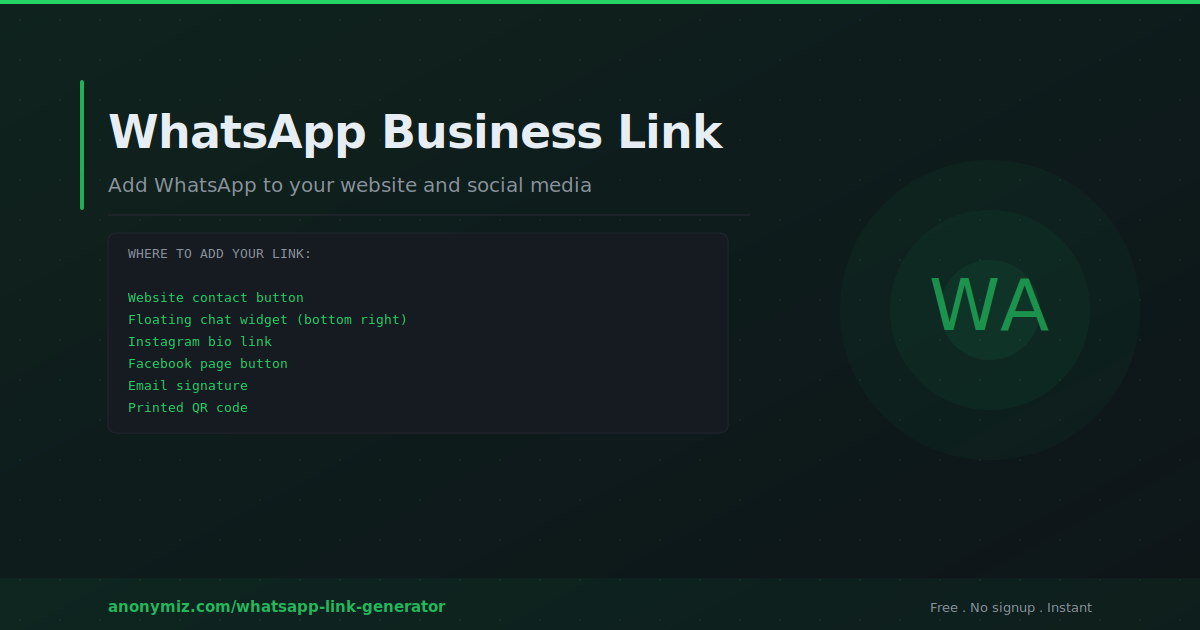
Website contact buttons
Add a "Chat on WhatsApp" button to your website's contact page, homepage, or as a floating action button. Studies consistently show that WhatsApp contact buttons reduce abandonment and increase first contact rates compared to email forms — people are already on WhatsApp and it feels immediate rather than formal.
Instagram and Facebook bio
Instagram allows one clickable link in the bio. A WhatsApp link turns your Instagram profile into a direct messaging channel — visitors can contact you instantly without leaving the Instagram experience. The same applies to Facebook pages and LinkedIn profiles.
Email signature
Add a WhatsApp link to your email signature as an alternative contact method. "Prefer to chat? Message me on WhatsApp" with a linked button converts email contacts into WhatsApp conversations where response times are faster and interactions are more personal.
Business cards and printed materials
Print your WhatsApp link as a QR code on business cards, flyers, and marketing materials. Anyone with a modern smartphone can scan to open a direct conversation with you. Use the Anonymiz QR Code Generator to convert your WhatsApp link into a scannable QR code instantly.
WhatsApp marketing campaigns
Include WhatsApp links in SMS campaigns, email newsletters, and digital ads. Pre-fill different messages for different campaigns to track which source the conversation came from — for example "Hi, I am messaging from the June newsletter" versus "Hi, I clicked your Facebook ad". This manual UTM equivalent gives you source attribution even though wa.me links do not natively support UTM parameters.
Pre-Filled Messages — Getting More Value from Your Link
A pre-filled message dramatically increases the quality of inbound conversations. Without one, users arrive at a blank chat and have to think of what to write — some will abandon at this point. With a relevant pre-filled message, the path is clear: they tap send and the conversation starts.
Examples of effective pre-filled messages by use case:
- Service businesses: "Hi, I would like to get a quote for [your service]"
- E-commerce: "Hi, I have a question about my order"
- Lead generation: "Hi, I am interested in learning more about your product"
- Support: "Hi, I need help with [product/service]"
- Restaurants: "Hi, I would like to make a reservation"
WhatsApp Link vs WhatsApp Business
WhatsApp click-to-chat links work with both personal WhatsApp accounts and WhatsApp Business accounts. The link format is identical — it is just the wa.me URL with your number. WhatsApp Business adds features like business profiles, automatic greeting messages, quick replies, labels, and catalogue displays — but the click-to-chat link to initiate the conversation is the same either way.
For businesses handling significant message volume, WhatsApp Business API (accessed through official BSPs — Business Solution Providers) provides additional automation capabilities. The click-to-chat link is still the entry point that drives users into those automated flows.
Common Mistakes to Avoid
Wrong number format — the most common error. Always use the full international format without any +, spaces, dashes, or brackets. Test your link by clicking it before publishing anywhere.
Forgetting URL encoding in the message — if you build links manually, spaces and special characters in pre-filled messages must be URL-encoded. Use the Anonymiz generator to handle this automatically.
Using the same link everywhere — different sources for your WhatsApp link should ideally use different pre-filled messages so you can identify where conversations are coming from.
Not testing on mobile — always click your WhatsApp link from a phone before publishing. The desktop experience via WhatsApp Web is different and some issues only appear on mobile.
Frequently Asked Questions
Is a WhatsApp link free to create?
Yes — WhatsApp click-to-chat links are completely free. The wa.me format is WhatsApp's official feature and does not cost anything to use. The Anonymiz WhatsApp Link Generator is also free with no account required.
Does the person clicking need WhatsApp installed?
If they are on a mobile device without WhatsApp, clicking the link will redirect them to the WhatsApp download page. On desktop, wa.me links open WhatsApp Web — but the user must be logged in to WhatsApp Web to start the conversation.
Can I create a WhatsApp link without a phone number?
No — a wa.me click-to-chat link requires a specific phone number. If you want to create a group link instead, you do not need a phone number — you can share a WhatsApp group invite link which allows anyone to join the group without needing your personal number.
How do I add a WhatsApp button to my website?
Create your WhatsApp link using the generator, then add it to your website as a regular anchor tag with your preferred button styling. For a floating button, add it as a fixed-position element in your CSS. Many website builders (WordPress, Webflow, Squarespace, Shopify) have WhatsApp button plugins or built-in social links that accept a wa.me URL.
Can I track how many people click my WhatsApp link?
WhatsApp does not provide analytics for wa.me links. To track clicks, route your WhatsApp link through a URL shortener or link tracker first. The link tracker counts clicks before forwarding to WhatsApp. You can also use different pre-filled messages for different sources to manually attribute conversations.