Adding WhatsApp as a contact channel to your website and social media is one of the most effective things any business can do to increase inbound conversations. WhatsApp has over 2 billion active users — your customers are already there. Making yourself reachable removes a major friction point from the contact journey.
Why WhatsApp Beats Contact Forms
Contact forms have high abandonment rates. Users face a multi-field form, must wait for an email reply, and lose the thread of the conversation across channels. WhatsApp is immediate, familiar, and conversational. Businesses offering WhatsApp contact consistently see higher conversion rates from website visitors to enquiries than those relying on email forms alone.
Create Your WhatsApp Business Link
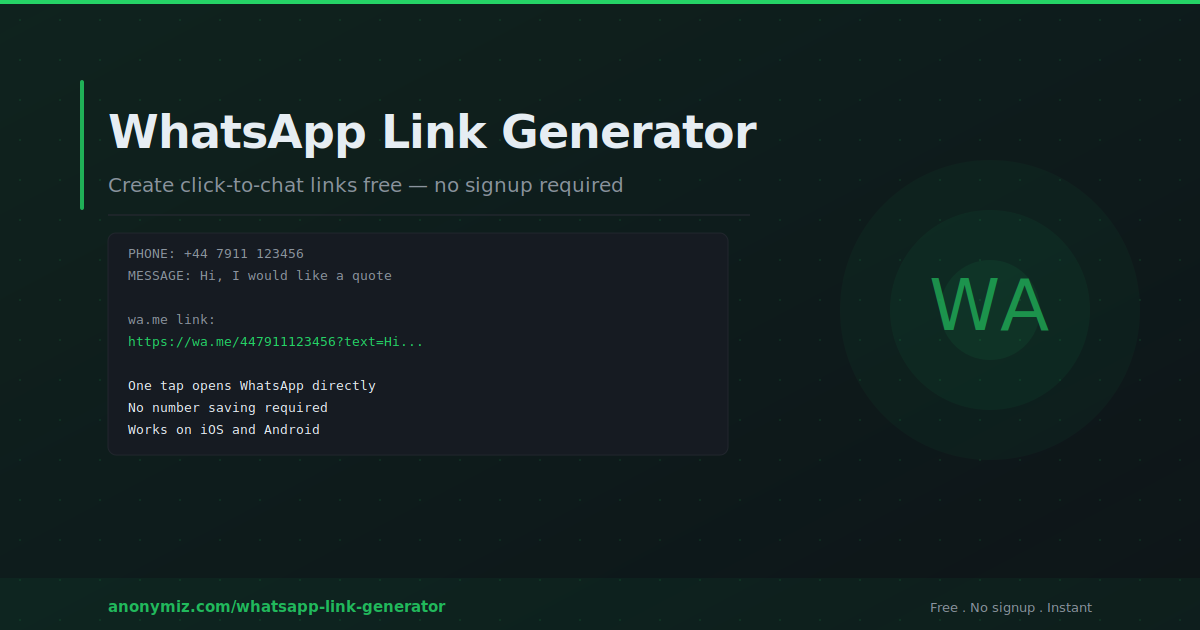
Start with the Anonymiz WhatsApp Link Generator — enter your phone number with country code and an optional pre-filled message to get a clean wa.me link instantly. Recommended pre-filled messages for businesses:
- Generic: "Hi, I would like to get in touch"
- Service enquiry: "Hi, I am interested in your services and would like more information"
- Support: "Hi, I need help with your product"
- Sales: "Hi, I have a question about pricing"
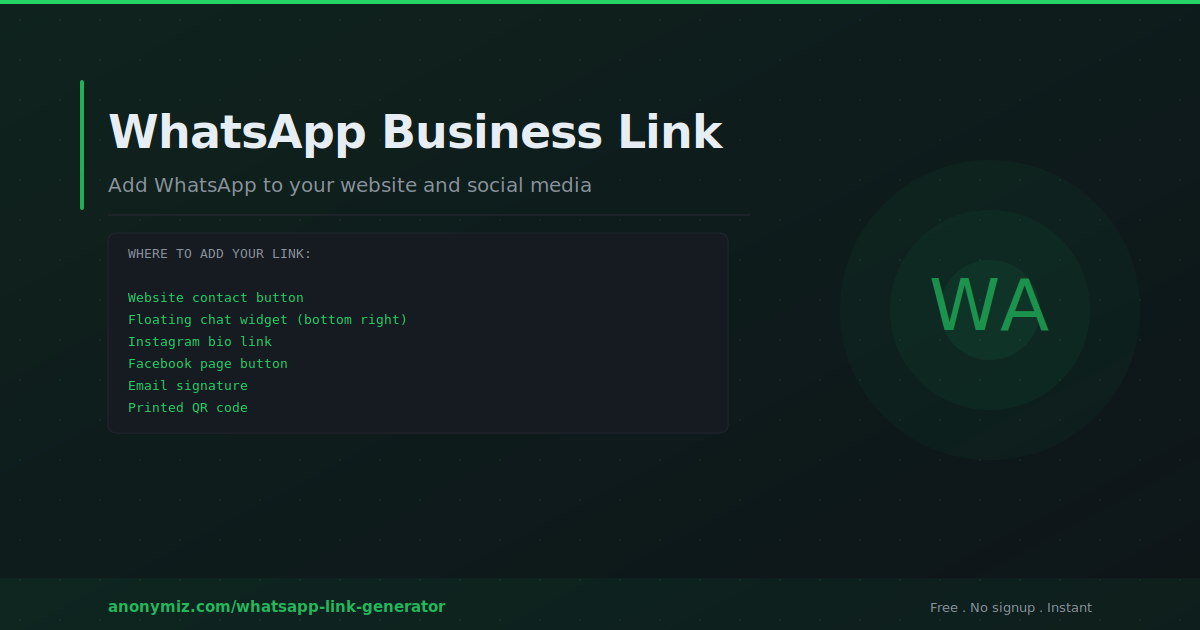
Adding WhatsApp to Your Website
Contact page button
Add a prominent "Chat on WhatsApp" button to your contact page using WhatsApp's brand green (#25D366) for instant recognition. Make it at least as visible as your email address and phone number.
Floating chat button
A floating WhatsApp button in the bottom-right corner of every page lets visitors start a conversation at any point in their journey. This is the highest-converting placement for most businesses. For WordPress, plugins like WP WhatsApp Chat add this via a settings interface. For custom sites, use a fixed-position anchor element.
Product and service pages
Add "Ask us on WhatsApp" links near products or pricing tables. This intercepts purchase intent at the moment of consideration — when a visitor is wondering something that would determine whether they buy. A WhatsApp conversation at this moment has extremely high conversion potential.
Adding WhatsApp to Instagram
Paste your wa.me link in your Instagram bio link field. If you need multiple links, use a link-in-bio tool and include WhatsApp as one option. Instagram also offers a native WhatsApp Business integration for verified WhatsApp Business accounts that adds a "Send WhatsApp message" action button directly on your profile — bypassing the bio link entirely.
Adding WhatsApp to Facebook
Facebook Pages allow adding a WhatsApp contact button under your Page settings. Select WhatsApp in the Action Button or Contact options and enter your number. For Facebook Ads, use "Send WhatsApp Message" as your call-to-action — ads with this CTA open a WhatsApp conversation directly when tapped.
Adding WhatsApp to Google Business Profile
Google Business Profile supports WhatsApp as a contact option in supported markets. When configured, a "Chat on WhatsApp" button appears on your Google Maps listing — driving direct WhatsApp conversations from people searching for your business type locally.
Adding WhatsApp to Email Signatures
Add your WhatsApp link to your email signature — a simple line like "Chat with me on WhatsApp: [wa.me link]" gives email recipients a faster response channel. Particularly effective for sales and customer success roles where speed of response matters.
WhatsApp Business vs Personal Account
WhatsApp Business is a separate app adding: a business profile with hours and address, quick reply templates, automated greeting and away messages, labels for organising conversations, and a product catalogue. The wa.me click-to-chat link works identically for both — the link opens a conversation with whichever account is registered to that number. For businesses handling high message volume, WhatsApp Business API (via official Business Solution Providers) enables multi-agent teams, CRM integration, and chatbot automation.
Frequently Asked Questions
Can I use my personal WhatsApp number for business?
Technically yes, but not recommended for significant message volume. A separate WhatsApp Business number keeps work and personal messages separated and gives you access to business features like automated greeting messages and quick replies.
How do I handle messages when I am unavailable?
WhatsApp Business allows setting an away message sent automatically when you receive messages outside business hours. This tells customers when to expect a response and prevents the impression that messages are being ignored.
What is the WhatsApp Business green tick?
The green tick (verified business badge) appears next to the business name in conversations, indicating WhatsApp has verified the account belongs to a legitimate business. It requires applying through WhatsApp Business API and meeting WhatsApp's verification criteria — not available for standard WhatsApp Business app accounts.