WhatsApp group invite links let anyone join your group with a single tap — no admin approval, no being added manually by a member. They are the fastest way to grow a WhatsApp group, share access to a community, or onboard customers into a support or marketing channel. This guide covers how group invite links work, how to generate and manage them, and the security considerations every group admin should know.
What Is a WhatsApp Group Invite Link?
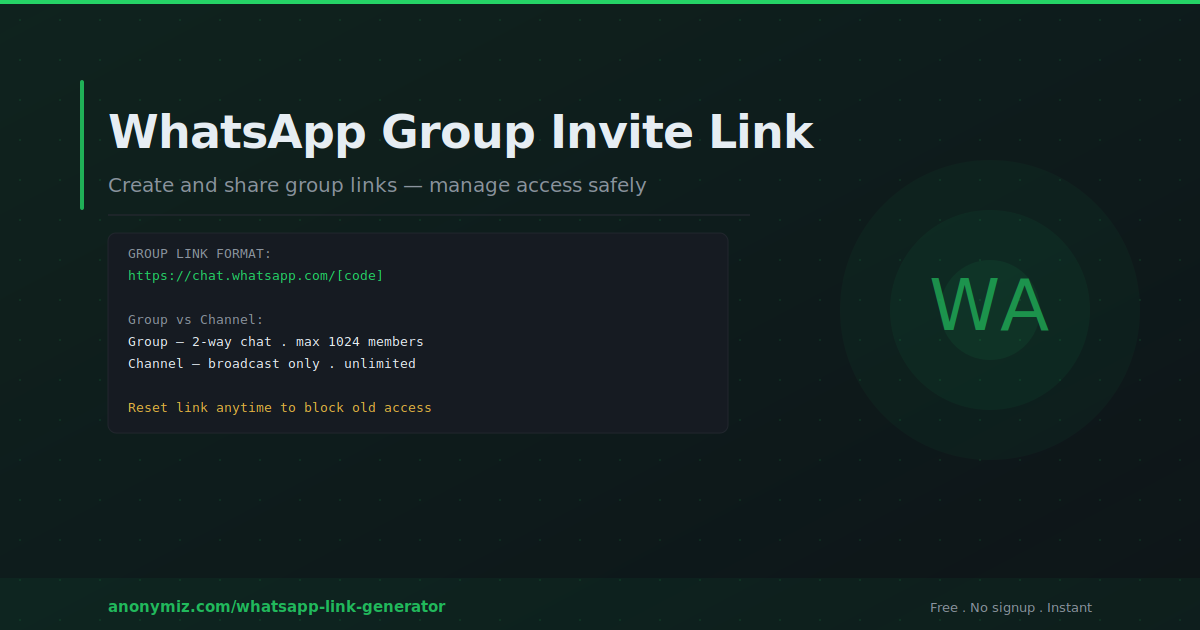
A WhatsApp group invite link is a URL in the format https://chat.whatsapp.com/[unique code] that, when clicked, prompts the user to join a specific WhatsApp group. Anyone who has the link can join the group — they do not need to be added by an existing member and they do not need admin approval (unless the group has Join Requests enabled).
The link is tied to the group, not to any individual member. Any group admin can generate a link and any admin can revoke and replace it at any time.
How to Get Your WhatsApp Group Invite Link
Group invite links are generated inside WhatsApp. On mobile: open the group, tap the group name at the top to open group info, scroll down to Invite via link, and tap it. You will see options to Copy Link, Share Link, QR Code, and Reset Link.
Once you have the invite link, use the Anonymiz WhatsApp Link Generator — select Group Invite, paste your invite link, and get a clean packaged version ready to share anywhere.
Where to Share Your WhatsApp Group Link
Website and landing pages
Add a "Join our WhatsApp community" button to your website. This works particularly well for creators, educators, and businesses building engaged communities around a niche. A dedicated landing page explaining what the group is for and what members can expect increases the quality of members who join.
Social media
Share the group link in your Instagram bio, Facebook page, Twitter/X profile, LinkedIn about section, or as a post. Instagram Stories work extremely well for group links — a swipe-up link (or the link sticker on Stories) drives immediate action from engaged followers.
Email newsletters
If you have an email list, sharing your WhatsApp group link in a newsletter converts existing subscribers into a more engaged, real-time community. Position it as an exclusive benefit — "Join our private WhatsApp community for real-time updates and direct access".
Printed materials and QR codes
Convert your group invite link to a QR code using the Anonymiz QR Code Generator. Print on event materials, product packaging, menus, or business cards. Particularly effective at physical events where you want attendees to join a group in real-time.
Managing Group Access and Security
Who can join with a link
By default, any WhatsApp user who has the link can join your group. For open communities this is ideal. For more controlled membership, enable Join Requests in group settings — members who click the link must send a join request that an admin approves before they can enter.
Revoking and resetting links
If your group link gets shared somewhere you did not intend — a spam forum, a competitor's group, or a public post — you can reset it immediately. Resetting generates a new unique code and instantly invalidates the old link. Anyone who had the old link can no longer join using it. Existing members are not affected.
To reset: go to group info, tap Invite via link, then Reset Link. Confirm, and the old link stops working immediately.
Monitoring who joins
When someone joins via an invite link, the group chat shows a message: "[Name] joined using an invite link". This is visible to all members but does not show which specific link was used (if you have multiple links pointing to the group from different sources).
WhatsApp Group vs WhatsApp Channel
WhatsApp added Channels in 2023 as a distinct feature from groups. Understanding the difference helps you choose the right format.
| Feature | Group | Channel |
|---|---|---|
| Communication | Two-way — all members can message | One-way — only admins broadcast |
| Member limit | 1,024 members | Unlimited followers |
| Member visibility | Members can see each other | Members are anonymous to each other |
| Best for | Communities, support, team chats | Newsletters, announcements, broadcasts |
| Join method | Invite link or admin add | Follow link or discovery |
Use a group when you want community interaction and two-way conversation. Use a Channel when you want to broadcast content to a large audience without conversation.
Group Link Best Practices
Set clear expectations before sharing — tell people what the group is for, how active it is, and what kind of content they will receive. Groups with no description or purpose attract low-quality members and high departure rates.
Pin a welcome message at the top of the group with rules, links to resources, and how to get the most from the community. This orients new members who join via the link without any prior context.
Assign multiple admins. A group that depends on a single admin for moderation is fragile — if that person is unavailable, the group can devolve quickly. Trusted, active members should be promoted to admin so moderation responsibilities are distributed.
Frequently Asked Questions
How many people can join a WhatsApp group?
WhatsApp group limit is 1,024 members. For communities larger than this, consider WhatsApp Channels (unlimited followers) or splitting into multiple focused groups.
Can I see who clicked my group invite link?
WhatsApp does not provide analytics for group invite links. You can see who joined via a link (the group shows "joined using an invite link") but not how many people clicked without joining, or which of multiple shared links drove a specific join.
Can I limit who can join using the link?
Yes — enable Join Requests in group settings. Anyone clicking the link must send a request that an admin approves. This adds manual overhead but gives you full control over membership quality.