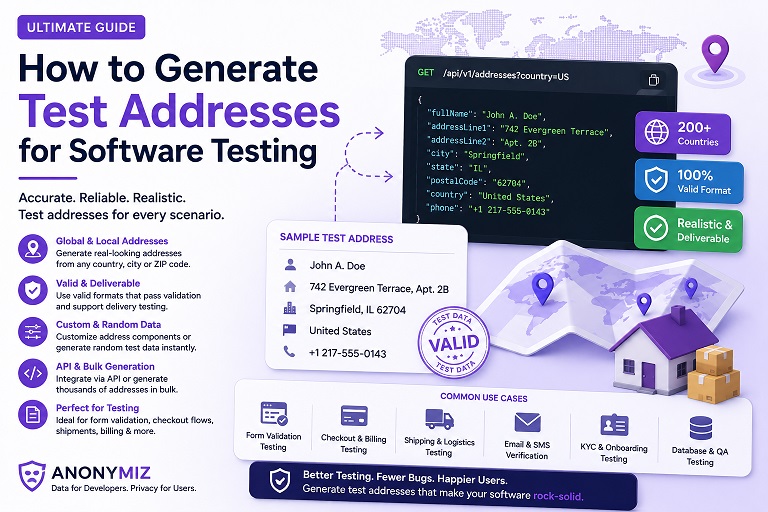
Most fake data tools stop at a random name and a made-up email. The Fake Name & Identity Generator goes considerably further, and since most of what makes it useful isn't obvious from a first glance at the page, this is a walkthrough of what it actually does and where each piece is useful.
Country-specific data, not generic placeholders
Names, street formats, cities, and phone number conventions all differ meaningfully by country, and generic placeholder data ("John Doe, 123 Main St") doesn't exercise any of that. The tool generates identities for more than 10 countries with names, streets, cities, and a State/County field that all follow that country's real conventions, plus a correctly-formatted phone number — including, for US, Canada, the UK, and Australia specifically, phone numbers drawn from each country's officially reserved fictional-use ranges rather than a plausible-looking number that could theoretically belong to someone.
Email addresses that can never reach a real inbox
Every generated email uses example.com, example.org, or example.net — the domains permanently reserved by IANA for documentation and testing, guaranteed never to be delivered anywhere. That matters more than it sounds: a randomly-generated address at a real provider domain could, in principle, coincidentally match someone's actual inbox.
Test payment cards for checkout-flow testing
Identities that reach a checkout or subscription step in a test flow now include a test payment card — Visa, Mastercard, Amex, or Discover — using each network's own officially published, permanently non-functional test number (the same numbers Stripe and other payment processors document for sandbox testing), never a randomly-generated number that happens to pass a Luhn check.
Bulk generation and export
Generate up to 100 identities in a single batch, and export the result as CSV, JSON, or a ready-to-run SQL file (a CREATE TABLE statement plus properly-escaped INSERT statements) for seeding a test database directly. All three formats include every field — name, address, State/County, phone, email, job, company, username, password, and the test card details.
Reproducible results with a seed
Type anything into the optional Seed field before generating, and that exact seed will always produce the exact same batch of identities again — useful for CI pipelines where a test failure needs to be reproduced locally, or for fixtures that should stay identical across a whole team. Leave it blank for a random batch, and the tool shows you the seed it used afterward in case you want to save it and reproduce that same set later.
Where to start
For most testing needs, the full Fake Name & Identity Generator is the right starting point. If you only need one part of it, three focused versions are also available: the Fake Address Generator for shipping and address-validation testing, the Fake Identity Generator for signup and KYC flow testing, and the Test Data Generator for bulk QA fixtures with CSV/JSON/SQL export front and center.
Everything runs entirely in your browser — nothing you generate is sent to a server, logged, or stored anywhere.