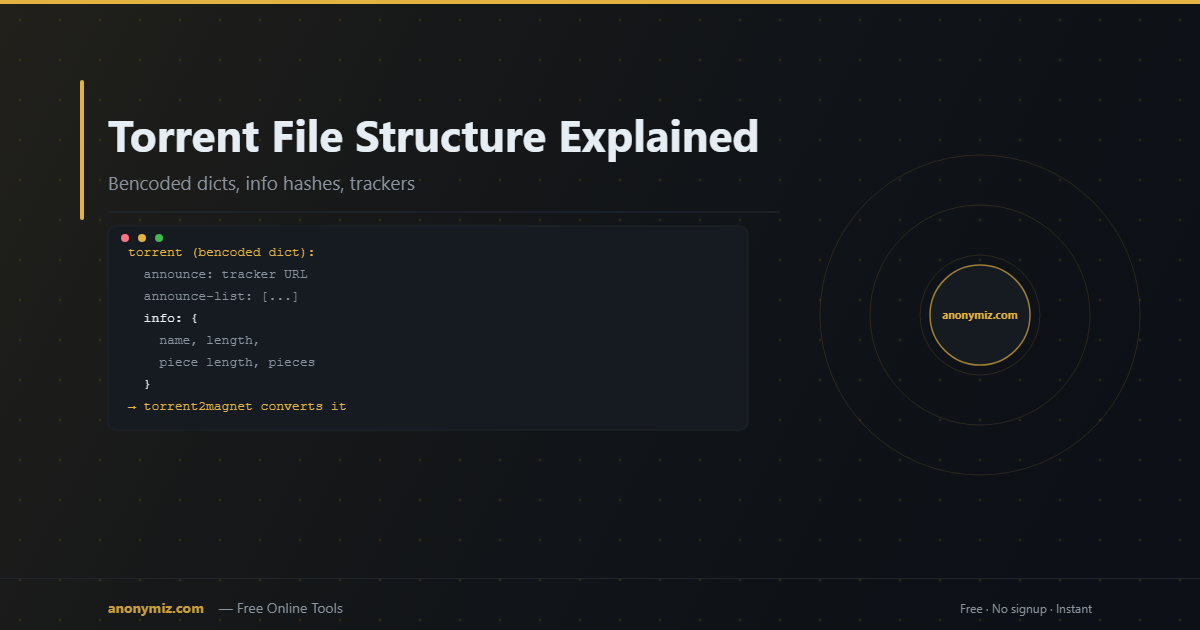
A .torrent file looks like a small binary blob but it's actually a precisely structured bencoded dictionary. Understanding its structure explains how BitTorrent achieves decentralised, verifiable file distribution — and why a 50KB .torrent file can reliably coordinate terabytes of data transfer across millions of peers.
What Is Bencoding?
Bencoding is the serialization format BitTorrent uses. It's compact, human-readable in places, and easy to parse. The four data types are:
- Strings:
4:spam(length-prefixed) - Integers:
i42e - Lists:
l4:spam4:eggse - Dictionaries:
d3:cow3:moo4:spam4:eggse(key-value pairs, keys sorted)
A .torrent file is a bencoded dictionary at its root.
Top-Level .Torrent Structure
The root dictionary contains these keys:
announce
The primary tracker URL. Your client announces to this tracker to find peers.
Example: udp://tracker.opentrackr.org:1337/announce
announce-list
A list of lists of backup tracker URLs (BEP-12). Your client tries these in order if the primary tracker fails.
created by
The name and version of the client that created the torrent. Purely informational.
creation date
Unix timestamp of when the .torrent file was created.
comment
Optional free-text comment embedded by the torrent creator.
info
The core dictionary. Everything else is optional metadata — the info dictionary is what matters.
The Info Dictionary
The info dictionary is the heart of every .torrent file. Its SHA-1 hash is the info hash.
For a Single-File Torrent
d4:name → "ubuntu-22.04-desktop-amd64.iso"6:length → 1466714112 (bytes)12:piece length → 524288 (512KB per piece)6:pieces → [binary: concatenated 20-byte SHA-1 hashes per piece]e
For a Multi-File Torrent
d4:name → "MyAlbum" (root folder name)12:piece length → 5242886:pieces → [concatenated SHA-1 hashes]5:files → [d 6:length → 5242880 4:path → ["track01.flac"] ed 6:length → 4831838 4:path → ["track02.flac"] ed 6:length → 312412 4:path → ["cover.jpg"] e]e
The Pieces Field
The pieces field is the largest part of a .torrent file — it's a binary concatenation of the 20-byte SHA-1 hash of every piece. For a 10GB file with 512KB pieces, that's ~20,000 pieces × 20 bytes = 400KB just for the piece hashes.
When your client downloads each piece, it computes its SHA-1 and compares it against the expected hash from this field. A mismatch means the piece is corrupt and gets re-requested. This same verification process is part of how you can check if a torrent is healthy before committing to a download.
Private Flag
Private torrents have a private key set to 1 in the info dictionary. This disables DHT, PEX, and LSD — your client can only find peers via the listed trackers, not through decentralised discovery.
Converting Between .Torrent and Magnet Link
Since the info hash is simply the SHA-1 of the info dictionary, converting is trivial:
- .Torrent → Magnet: compute the info hash, encode as hex, construct
magnet:?xt=urn:btih:HASH. Use the Torrent to Magnet Converter to do this instantly online. - Magnet → .Torrent: retrieve the info dictionary from DHT peers using the hash. Use the Magnet to Torrent Converter — it fetches the full metadata and gives you the .torrent file.
🔄 Convert .Torrent ↔ Magnet Instantly
Have a .torrent file but need a magnet link? Or vice versa? Use the Torrent to Magnet Converter or Magnet to Torrent Converter — both free, instant, no signup.
Frequently Asked Questions
Why are .torrent files so small even for huge downloads?
A .torrent file contains metadata only — file names, sizes, and piece hashes. It doesn't contain the actual data. A 50KB .torrent file can describe a 100GB torrent because it only stores 20-byte hashes for each 512KB piece, not the pieces themselves.
Can I edit a .torrent file?
Technically yes — .torrent files are bencoded text. But modifying the info dictionary changes the info hash, making the modified torrent incompatible with existing swarms. You can safely modify the announce list without changing the info hash.
What's different in BitTorrent v2 .torrent files?
v2 adds a file tree field with per-file SHA-256 hashes and uses SHA-256 for the info hash. This enables deduplication (identical files in different torrents share the same hash) and better integrity checking at the file level.