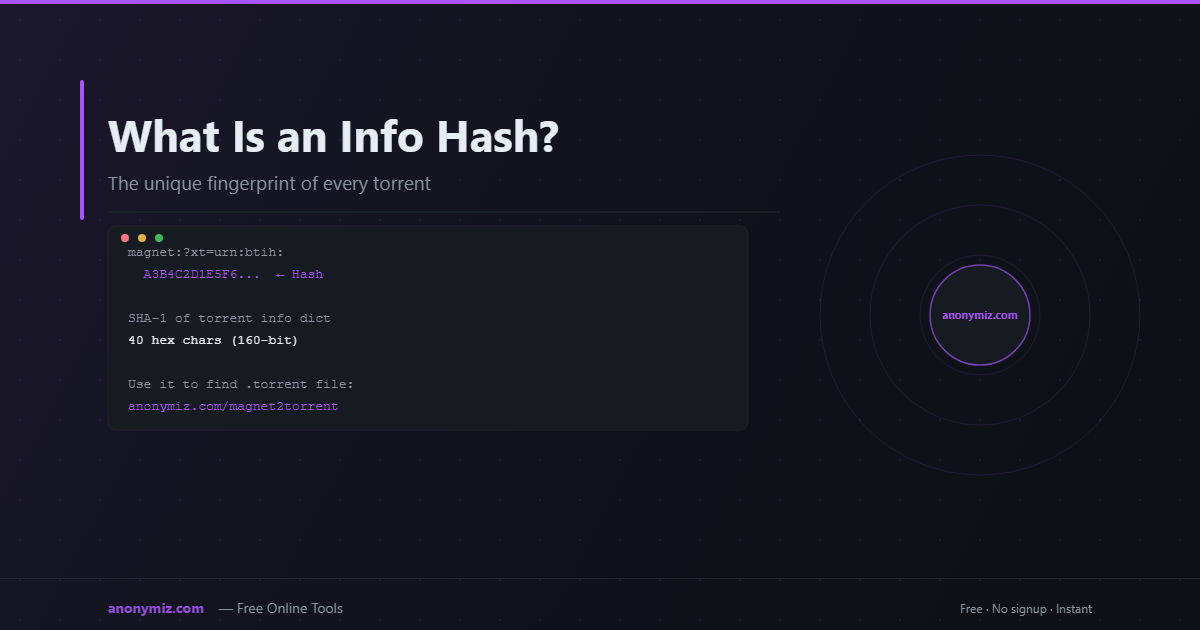
Every torrent on the BitTorrent network has a unique fingerprint called an info hash. It's the 40-character string you see in magnet links after urn:btih: — and it's the only piece of information your client needs to find a torrent among billions of peers worldwide. Understanding info hashes explains how magnet links work and why BitTorrent doesn't need central servers.
What Is an Info Hash?
An info hash is a SHA-1 cryptographic hash of the info dictionary — the part of the .torrent file that describes the actual content: filenames, file sizes, piece length, and the SHA-1 hashes of every piece of data.
Example info hash: A3B4C2D1E5F6789012345678901234567890ABCD
It's always exactly 40 hexadecimal characters (160 bits). The newer BitTorrent v2 protocol uses SHA-256 hashes (64 characters), but SHA-1 is still dominant.
How It's Calculated
When a torrent creator makes a .torrent file, the BitTorrent client:
- Reads all the files being shared
- Splits them into fixed-size pieces (typically 256KB–2MB each)
- Computes the SHA-1 hash of each piece
- Packs all this information into a bencoded dictionary (the "info" section — see torrent file structure explained for the full breakdown)
- Computes the SHA-1 hash of that entire info dictionary — this is the info hash
The info hash is deterministic: the same files with the same settings always produce the same info hash. Two different torrents of the same file but with different piece sizes or file structures will have different info hashes.
Why Info Hashes Matter for Magnet Links
Before magnet links existed, you needed a .torrent file hosted on a website to start downloading. The info hash changed all that. A magnet link is just the info hash plus optional display metadata:
magnet:?xt=urn:btih:A3B4C2D1... ← info hash&dn=Ubuntu+22.04+LTS ← display name (optional)&xl=1234567890 ← file size (optional)&tr=udp://tracker.opentrackr.org ← tracker (optional)
Your client takes the info hash, queries the DHT network, finds peers who have that info hash, and asks them for the metadata (the .torrent file data). Once it has the metadata, it starts downloading.
Info Hash in Practice
Converting a Magnet Link to a .Torrent File
If you have an info hash or magnet link, you can retrieve the full .torrent file from the network. The Magnet to Torrent Converter does exactly this — it takes the info hash from your magnet link, queries the DHT network for peers who have the metadata, and generates a downloadable .torrent file.
🔍 Have an info hash or magnet link?
The Magnet to Torrent Converter uses the info hash to fetch full torrent metadata from the DHT network and generate a .torrent file — no client installation needed.
Converting a .Torrent File to a Magnet Link
Going the other way, if you have a .torrent file and want a shareable magnet link, the Torrent to Magnet Converter extracts the info hash and builds the complete magnet URI.
Info Hash Collisions
SHA-1 has a theoretical collision vulnerability, but in practice BitTorrent info hash collisions are essentially impossible — the attack would require creating two different torrent info dictionaries with the same hash, which requires enormous computational resources and produces no practical benefit for an attacker.
BitTorrent v2 uses SHA-256 to address this, producing 64-character info hashes that are computationally infeasible to attack.
Frequently Asked Questions
Can I find a torrent just from its info hash?
Yes — paste the info hash into a magnet link: magnet:?xt=urn:btih:YOUR_HASH_HERE and open it in a torrent client. Alternatively, use the Magnet to Torrent Converter to get the .torrent file directly.
Are info hashes permanent?
Yes — an info hash uniquely identifies a specific torrent forever. As long as any peer on the network has that torrent, the info hash can be used to find it.
What's the difference between v1 and v2 info hashes?
BitTorrent v1 uses 40-character SHA-1 hashes. BitTorrent v2 uses 64-character SHA-256 hashes and also hashes files individually for better integrity verification. Hybrid torrents include both.