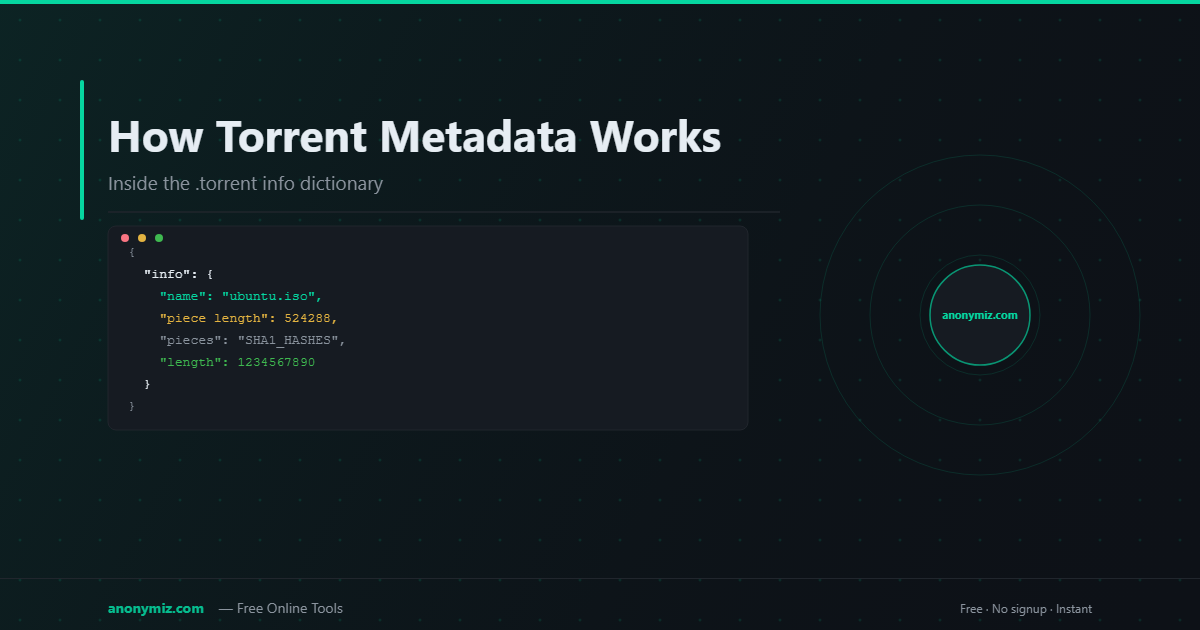
Torrent metadata is the blueprint of every download — it tells your client what files to expect, how they're split, and how to verify every byte. Understanding it explains why magnet links need that retrieval step, why downloads can be paused and resumed perfectly, and how BitTorrent achieves cryptographic integrity without a central server.
What Is Torrent Metadata?
Torrent metadata is the contents of the info dictionary within a .torrent file. It describes:
- The name of the torrent (and the root folder for multi-file torrents)
- The exact size of each file
- The piece length (how many bytes per piece, typically 256KB to 2MB)
- The SHA-1 hash of every piece — the integrity checksum list
- The file tree structure for multi-file torrents
The SHA-1 hash of the entire info dictionary is the info hash — the unique identifier used in magnet links.
The .Torrent File Structure
A .torrent file is a bencoded dictionary (a simple text-based serialization format) — see torrent file structure explained for the full breakdown — containing:
d8:announce → primary tracker URL13:announce-list → [[tracker1],[tracker2]]10:created by → client name13:creation date → Unix timestamp4:info → {4:name → "ubuntu-22.04.iso"12:piece length → 5242886:pieces → [concatenated SHA-1 hashes]6:length → 1234567890 (single-file)— OR —5:files → [list of {path, length}]}e
How Pieces Work
BitTorrent splits every download into fixed-size pieces. The metadata contains the SHA-1 hash of each piece. As your client downloads each piece, it hashes it and compares against the expected hash. If they match, the piece is verified and saved. If they don't match (due to corruption or a bad peer), the piece is discarded and re-requested.
This is why BitTorrent downloads are always complete and uncorrupted — every byte is cryptographically verified.
How Metadata Retrieval Works for Magnet Links
When you open a magnet link, your client only has the info hash — not the metadata. Here's what happens next:
- Your client queries the DHT network using the info hash to find peers
- It connects to peers and uses the ut_metadata extension (BEP-9) to request the info dictionary
- Peers send back the metadata in 16KB chunks
- Your client reassembles the chunks and verifies the SHA-1 hash against the info hash
- If the hash matches, the metadata is valid and downloading begins
🔄 Skip the Metadata Retrieval Step
The Magnet to Torrent Converter retrieves the metadata from DHT and packages it as a ready-to-use .torrent file — so your client can start downloading immediately without the retrieval wait.
BitTorrent v2 Metadata
The newer BitTorrent v2 protocol (BEP-52) changes how metadata works significantly:
- Uses SHA-256 instead of SHA-1 for all hashes
- Hashes files individually (not just pieces), enabling deduplication
- Generates a separate "file tree" with per-file hashes
- Produces a 64-character info hash instead of 40
Hybrid torrents include both v1 and v2 metadata for compatibility with all clients.
Frequently Asked Questions
Why is "piece length" important?
Smaller pieces mean more fine-grained error checking but larger metadata (more hashes to store). Larger pieces mean smaller metadata but bigger download granularity — if a 2MB piece fails, you re-download 2MB. Modern torrent creators choose piece size based on total torrent size, typically aiming for 1000–2000 total pieces.
What happens if torrent metadata is corrupted?
Your client will detect the SHA-1 mismatch and reject the metadata. It then re-requests the metadata from a different peer. Corrupted .torrent files on disk cause the same error when you try to load them.
Can I get the metadata from a magnet link without a torrent client?
Yes — use the Magnet to Torrent Converter. It queries the DHT network and delivers the complete .torrent file without you needing any client software installed.