wa.me is WhatsApp's official click-to-chat domain. A wa.me link opens a WhatsApp conversation instantly — no saving numbers, no searching contacts. This guide covers the URL format, phone number formatting by country, pre-filled messages, and where to use your links.
What Is wa.me?
wa.me is the short domain WhatsApp uses for its official click-to-chat feature. Visiting a wa.me URL redirects to WhatsApp with a specific conversation pre-opened — on mobile it opens the app, on desktop it opens WhatsApp Web. It replaces the older api.whatsapp.com/send format and is WhatsApp's currently documented standard.
The wa.me URL Format
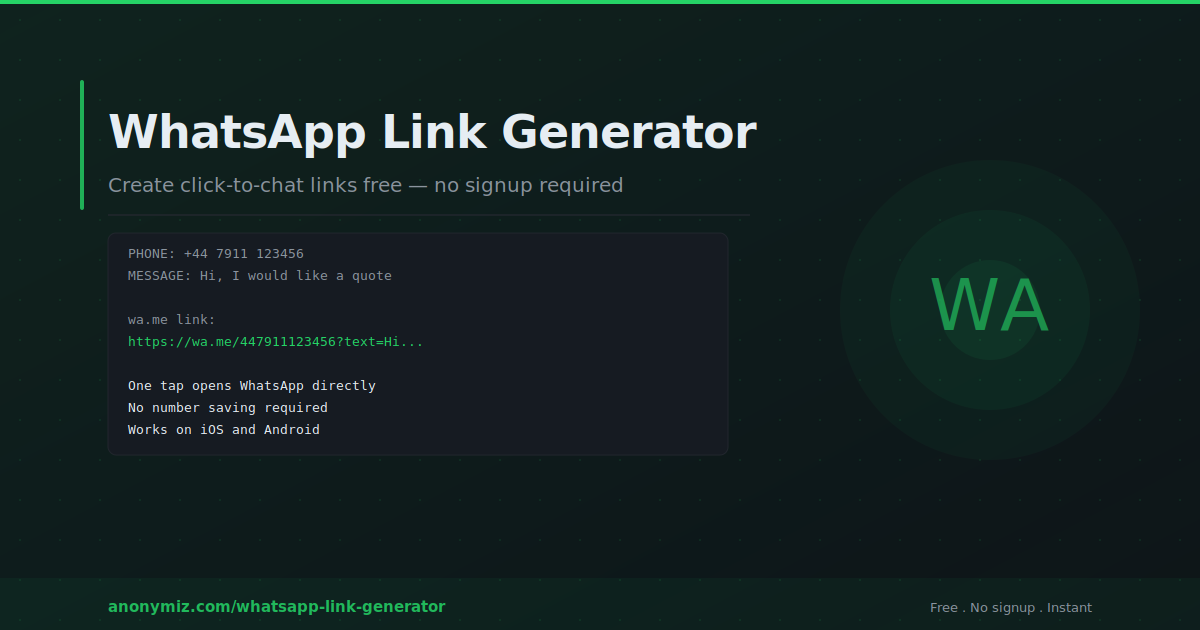
The complete structure: https://wa.me/[phone number]?text=[URL encoded message]
Phone number format
The number must be in E.164 international format — full number with country code, no plus sign, spaces, dashes, or brackets. Examples by country:
- UK: +44 7911 123456 becomes 447911123456
- US: +1 (415) 555-1234 becomes 14155551234
- India: +91 98765 43210 becomes 919876543210
- Brazil: +55 11 91234-5678 becomes 5511912345678
Incorrect number formatting is the most common error. Always test your link before publishing.
Pre-filled message
The text parameter is optional. Messages must be URL-encoded — spaces become %20. Use the Anonymiz WhatsApp Link Generator to handle encoding automatically and get a ready-to-use link instantly.
wa.me vs api.whatsapp.com
The older api.whatsapp.com/send format still works but is longer and not the current documented approach. wa.me is shorter, cleaner, and more shareable.
Where to Use wa.me Links
Website contact buttons — add "Chat on WhatsApp" buttons to contact and product pages. Use #25D366 (WhatsApp green) for instant recognition. A floating button in the bottom corner of every page is the highest-converting placement.
Social media bios — a wa.me link in your Instagram, Facebook, or LinkedIn bio turns followers into WhatsApp conversations. More personal and immediate than a contact form.
Email signatures — include your WhatsApp link as an alternative response channel. Add a pre-filled message like "Hi, I am replying to your email" to maintain context.
QR codes — convert any wa.me link to a QR code with the Anonymiz QR Code Generator for business cards, menus, and event materials.
Tracking Performance
WhatsApp provides no click analytics for wa.me links. Route clicks through a URL shortener for click counts, or use different pre-filled messages per source — "Hi, I found you on Instagram" vs "Hi, I am from your newsletter" — to attribute conversations when they arrive.
Frequently Asked Questions
Does wa.me work internationally?
Yes — wa.me links work globally. There are no geographic restrictions on which numbers can be contacted.
Can I create a wa.me link without a phone number?
The standard wa.me format requires a phone number. For group invite links, WhatsApp uses the https://chat.whatsapp.com/[code] format generated within WhatsApp group settings.
Is there a limit to how many people can click my link?
No limit — each click opens an independent conversation. The only practical limit is how many conversations you can manage.