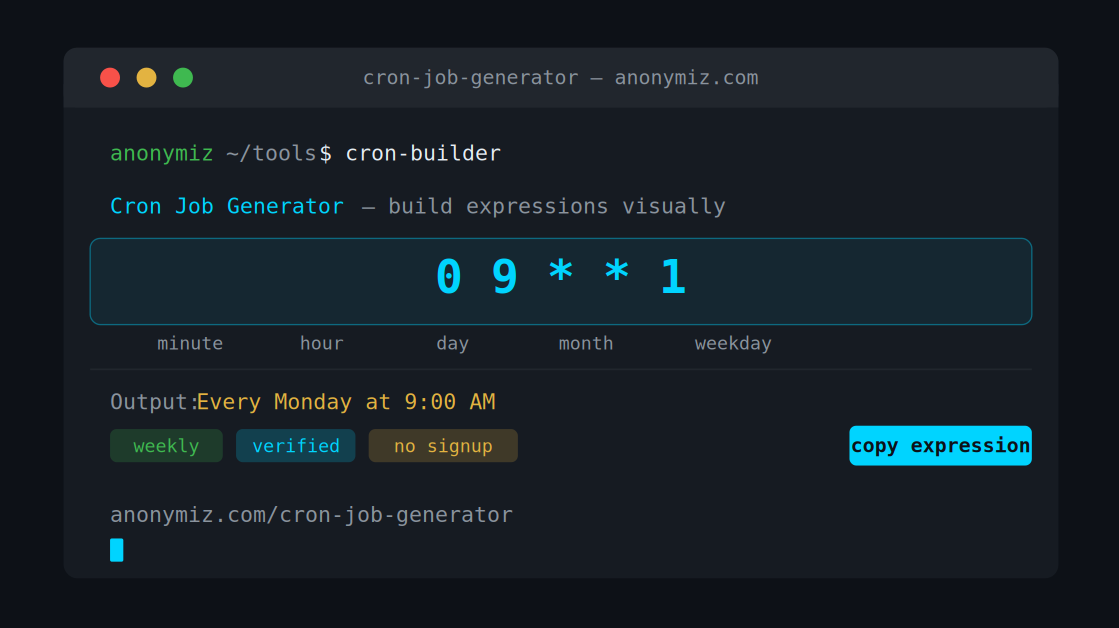
If you've ever tried to write a cron expression from scratch, you know the pain. Five fields, a mix of asterisks, slashes, and commas — and one wrong character means your scheduled task never runs, or runs every second at 3 AM. A cron job generator solves this entirely. Instead of memorizing syntax, you select your schedule visually and the tool writes the expression for you.
What Is a Cron Job?
A cron job is a scheduled task that runs automatically at a set time or interval on a Linux/Unix server. The name comes from cron, the time-based job scheduler built into Unix-like systems.
Common uses include running database backups every night at midnight, sending weekly email digests, clearing cache files every hour, and fetching API data every 15 minutes.
Understanding Cron Syntax
A cron expression has five fields read left to right: Minute (0–59), Hour (0–23), Day of month (1–31), Month (1–12), and Day of week (0–7). The asterisk means every value, a comma separates multiple values, a hyphen defines a range, and a slash sets a step interval — for example every 15 minutes would be written as */15.
Common Cron Expression Examples
| Expression | Meaning |
|---|---|
| 0 0 * * * | Every day at midnight |
| 0 9 * * 1 | Every Monday at 9 AM |
| */15 * * * * | Every 15 minutes |
| 0 0 1 * * | First day of every month at midnight |
| 0 8-18 * * 1-5 | Every hour 8 AM to 6 PM, weekdays only |
| 30 23 * * 5 | Every Friday at 11:30 PM |
How to Use the Cron Job Generator
Visit the Anonymiz Cron Job Generator, select your frequency (minute, hourly, daily, weekly, monthly, or custom), choose your time values using the dropdowns, then copy the generated expression and paste it into your crontab, CI system, or hosting panel. No account needed — works entirely in your browser.
Where to Use Cron Expressions
- Linux crontab — edit with crontab -e
- GitHub Actions — in the schedule trigger block
- Vercel / Netlify — scheduled serverless functions
- cPanel — built-in cron jobs panel
- Laravel — in app/Console/Kernel.php
- Node.js — with the node-cron package
Tips for Reliable Cron Jobs
- Always specify the full path to your script, not a relative path
- Log output to a file to catch silent errors
- Test your expression using the visual generator before going live
- Use UTC time on servers to avoid timezone confusion
- Add a health check ping so you know if your cron stops running
Use the Anonymiz Cron Job Generator to build your expression in seconds — no syntax memorization required.