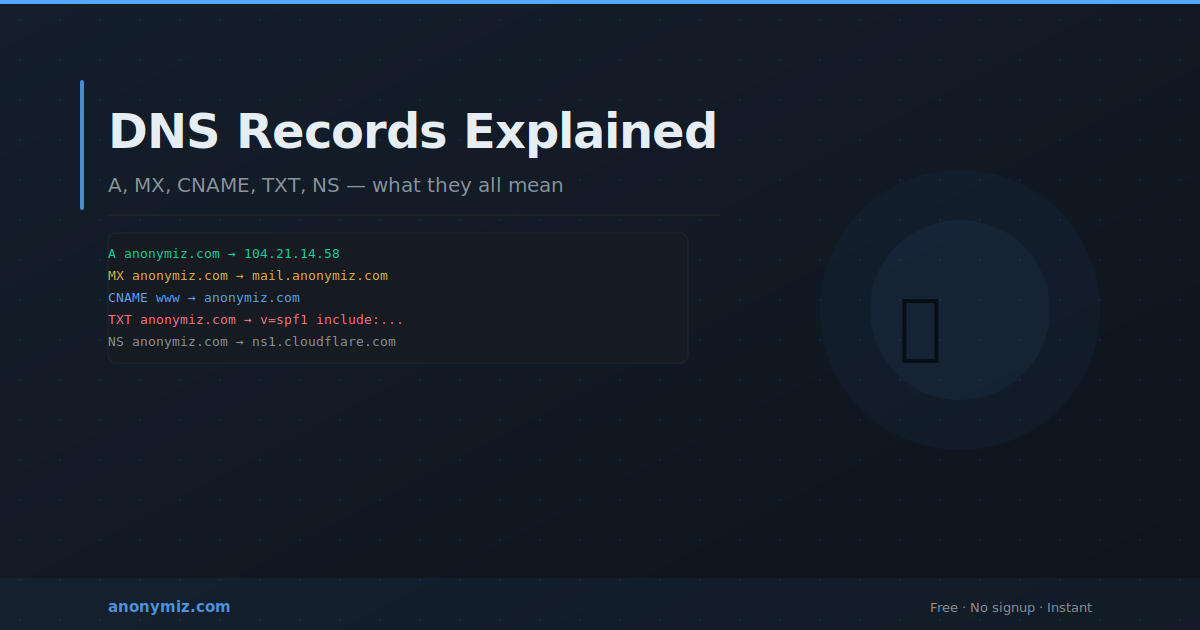
DNS records are the instructions that tell the internet where to send traffic for a domain. When you type a domain into a browser, send an email, or set up a new service, DNS records determine what happens. Understanding the different types is essential for managing any domain, configuring email, or debugging web infrastructure issues.
What Is DNS?
DNS stands for Domain Name System — the internet's phone book. It translates human-readable domain names like anonymiz.com into IP addresses like 104.21.14.58 that computers use to route traffic. DNS is distributed across millions of servers worldwide and is fundamental to how the internet functions.
The Key DNS Record Types
A Record — maps a domain name to an IPv4 address. Every website needs at least one A record. Example: anonymiz.com → 104.21.14.58.
AAAA Record — the IPv6 equivalent of an A record. Maps a domain to an IPv6 address for maximum compatibility.
CNAME Record — creates an alias from one domain to another. Example: www.anonymiz.com → anonymiz.com. The www resolves wherever anonymiz.com points, so only the A record needs updating when the server IP changes. CNAMEs cannot exist at the zone apex (root domain).
MX Record — specifies which servers handle email for a domain. When someone sends to user@anonymiz.com, their mail server looks up the MX record to find where to deliver. MX records have a priority number — lower numbers have higher priority. Multiple MX records provide redundancy.
TXT Record — stores arbitrary text. Used for SPF (preventing email spoofing), DKIM (email signature verification), and domain ownership verification by Google, AWS, and other services.
NS Record — specifies which DNS servers are authoritative for the domain. Set at your registrar and point to your DNS provider.
TTL — Time to Live
Every DNS record has a TTL in seconds specifying how long resolvers cache it before checking for updates. Before making DNS changes, lower TTL to 300 seconds (5 minutes) at least 24 hours in advance so changes propagate quickly. Raise it back to 3600 after changes are confirmed.
How to Look Up DNS Records
The Anonymiz DNS Record Checker queries any domain for all its DNS records — A, AAAA, CNAME, MX, TXT, NS, SOA — in a clean readable format. Use it to verify your own records are correct, research other domains, or debug email and web connectivity issues.
Frequently Asked Questions
How long do DNS changes take to propagate?
Based on the TTL of the record being changed. If TTL is 3600, changes take up to one hour to reach all resolvers globally. With low TTLs, changes propagate within minutes. The old "24 to 48 hours" estimate is largely outdated for most modern setups.
What is the difference between CNAME and A record?
An A record maps directly to an IP address. A CNAME maps to another domain name — it is an alias. Use A records for your main domain. Use CNAME for subdomains that should follow another domain's IP. Never use CNAME at your zone apex.
Related Reading
- DNS Lookup Tool: How to Check DNS Records for Any Domain
- DNS Lookup Guide: How to Check DNS Records and What They Mean
- What Is WHOIS Lookup and How to Use It
Related tool: find other websites hosted on the same IP address with the free reverse IP lookup.