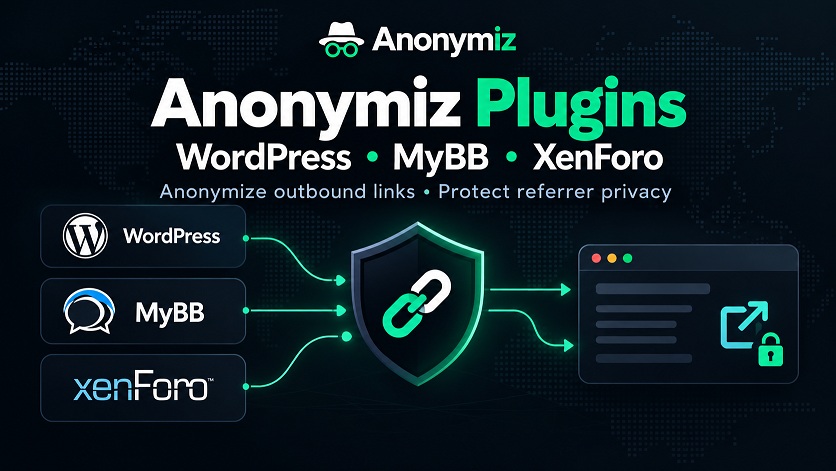
We have released the Anonymiz browser extension for Chrome, Microsoft Edge, Brave and Firefox. It brings the main Anonymiz link tools into your browser toolbar and adds a new feature, Protect all links, which hides where you came from on every website you visit.
Protect all links
When you click a link, your browser normally tells the next website which page you were on. With Protect all links switched on, the extension removes that information from every link you click to another site. It works inside your browser in two ways: it strips the Referer header from page loads to other websites, and it marks outbound links so the destination page cannot read the referrer with JavaScript either.
Links still go straight to their destination. Nothing passes through our servers, and the extension does not collect or send any data. The switch is off by default. When you turn it on, your browser asks once for permission to work on the sites you visit, and a small ON badge on the toolbar icon shows that protection is active. Embedded videos and widgets are not affected, because only clicks from one page to another are changed.
What else it does
- Open or copy a link anonymously from the right-click menu, using the same
anonymiz.com/?format as the rest of the site. - Check where a link redirects before you open it, with our redirect checker.
- Check the site you are on: its redirect chain, its DNS records, and whether it was built with AI.
- Privacy checks in one click: What is my IP, DNS and WebRTC leak tests, browser fingerprint, privacy score, password generator, email breach check and SSL checker.
Permissions
At install, the extension asks only for what the toolbar and right-click menu need: the menu itself, access to the current tab when you use the extension, clipboard access for copying links, and storage for the protection switch. Access to all websites is optional and is requested only when you turn on Protect all links. Turning it off removes the protection straight away.
How to install it
Listings in the Chrome Web Store, Edge Add-ons and Firefox Add-ons are on their way. Until then, you can download the extension from our plugins page and load it yourself. In Chrome, Edge or Brave, unzip the download, open the extensions page, turn on Developer mode and click Load unpacked. In Firefox 142 or newer, open about:debugging and load it as a temporary add-on.
Questions or problems? Let us know.