
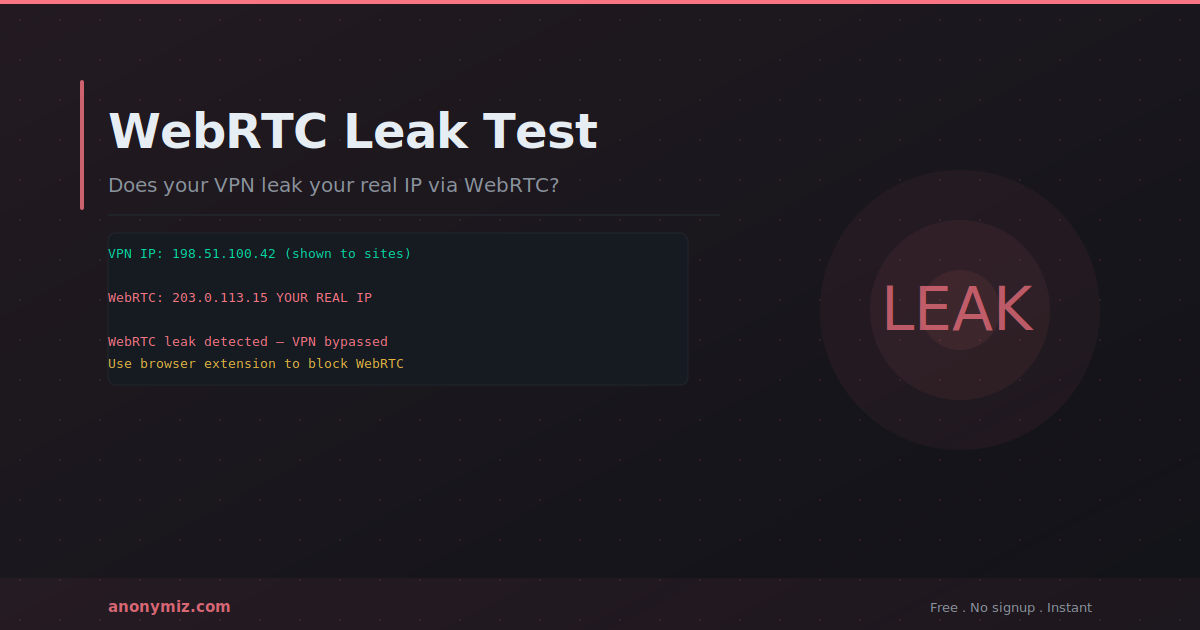
WebRTC leaks are one of the most serious VPN vulnerabilities — and most VPN users have never heard of them. A WebRTC leak can expose your real IP address to websites even when connected to a VPN, completely bypassing the VPN's IP masking.
What Is WebRTC?
WebRTC (Web Real-Time Communication) is a browser technology that enables peer-to-peer communication directly between browsers — video calls, voice calls, and file sharing without plugins. Google Meet, Discord, and many other web tools use WebRTC. It is built into Chrome, Firefox, Safari, and Edge by default.
How WebRTC Causes IP Leaks
For peer-to-peer connections to work, WebRTC uses STUN (Session Traversal Utilities for NAT) to discover your public IP address. This happens at the browser level — outside the network stack your VPN controls. WebRTC STUN requests can bypass your VPN tunnel and reveal your real IP to any website using JavaScript to initiate a WebRTC connection.
How to Test for WebRTC Leaks
The Anonymiz WebRTC Leak Test checks your browser while connected to your VPN. If it shows your real IP alongside your VPN IP, you have a leak. Test by: (1) connecting to your VPN, (2) visiting the test page, (3) comparing the displayed IP with your VPN IP.
How to Fix WebRTC Leaks
Firefox: Go to about:config, search for media.peerconnection.enabled, and set to false. Disables WebRTC entirely — video calls in browser will stop working.
Chrome: Install the WebRTC Leak Prevent extension — Chrome has no built-in option to disable WebRTC.
Brave: In Settings under Privacy and Security, set WebRTC IP handling policy to Default public interface only.
WebRTC Leaks vs DNS Leaks
WebRTC leaks expose your real IP through the browser peer-to-peer API. DNS leaks expose browsing activity when DNS queries bypass the VPN tunnel. Both are VPN bypass vulnerabilities. Run both the WebRTC Leak Test and the DNS Leak Test to verify complete protection.
Frequently Asked Questions
Does disabling WebRTC break websites?
Disabling WebRTC prevents browser-based video and voice calls — Google Meet and Discord web version will not work. These services have desktop apps that do not rely on browser WebRTC. Use an extension that limits IP exposure rather than blocking all WebRTC if you need video calls in the browser.
Do mobile apps have WebRTC leaks?
WebRTC leaks are primarily a browser issue. Native mobile apps do not use browser WebRTC APIs. Mobile browsers (Chrome for Android, Safari for iOS) support WebRTC and can leak IPs when visiting sites that use it.
Related Privacy Checks
WebRTC is only one leak vector. Test yours with the WebRTC Leak Test, then check whether DNS is leaking too with the DNS Leak Test — the two often fail together. What Is My IP confirms what a site currently sees, and Browser Fingerprint shows the identifiers that persist even when your IP is hidden. For a combined view, run the Privacy Score check.


