
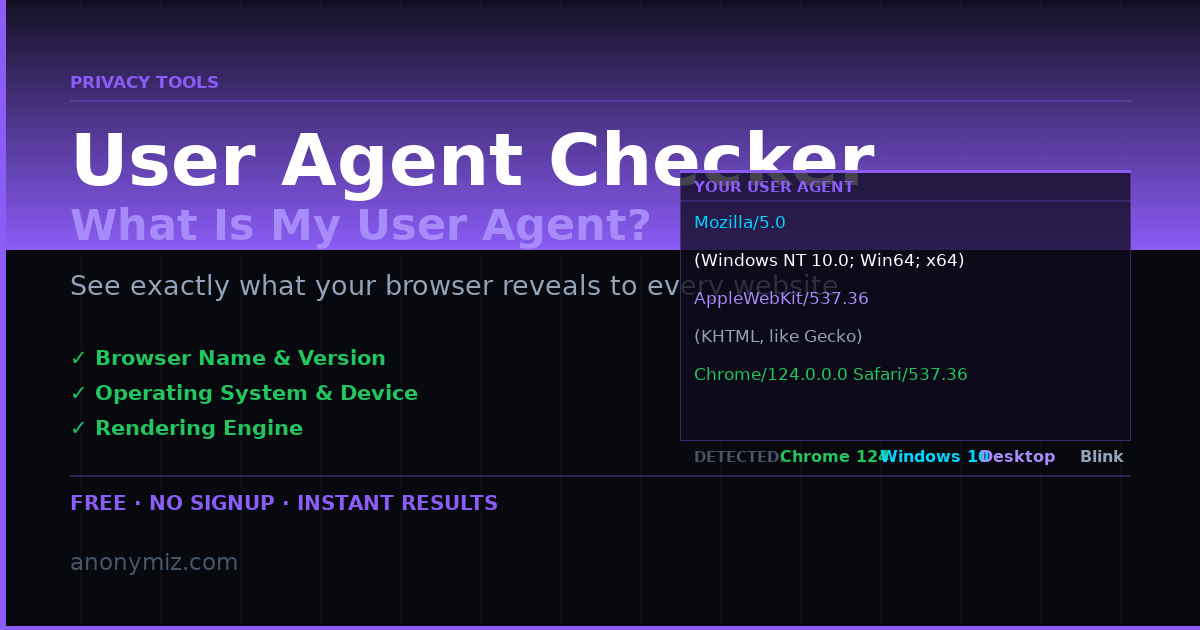
Every request your browser makes to a website includes a user agent string — a line of text that identifies your browser, version, operating system and device type. Most people have never seen theirs. But every website you visit reads it automatically, and some use it in ways that might surprise you.
The Anonymiz User Agent Checker shows your full user agent string and parses it into readable components — browser, engine, OS, device type and whether you look like a bot.
What Is a User Agent String?
A user agent string is sent in the HTTP request headers that your browser sends with every page load, image request and API call. It looks something like this:
Mozilla/5.0 (Windows NT 10.0; Win64; x64) AppleWebKit/537.36 (KHTML, like Gecko) Chrome/124.0.0.0 Safari/537.36
Despite looking cryptic, this string communicates: Windows 10/11 64-bit, Chrome 124, Blink rendering engine. The Mozilla/5.0 prefix at the start is a historical quirk that every browser still includes for compatibility reasons, even though no current browser is actually Mozilla.
What Websites Do with Your User Agent
Content negotiation
Web servers use the user agent to decide what to send. Mobile browsers get responsive layouts or dedicated mobile sites. Old browsers may get simplified HTML without modern CSS. Safari on iOS gets different video formats than Chrome on Android. This is the intended use — serving the right content to the right client.
Analytics and market share
Google Analytics, Cloudflare and every web analytics platform reads user agents to measure browser and OS market share. When you see "Chrome 67% market share" statistics, that data came from user agent strings across billions of requests.
Bot detection
Security systems check user agents to identify scrapers, crawlers and attack tools. Legitimate bots like Googlebot and Bingbot identify themselves openly. Malicious bots often either copy real browser user agents or use obvious signatures like "Python-requests" or "curl". The User Agent Checker shows you exactly what bot signature, if any, you are presenting.
Browser fingerprinting
The user agent is one of the most consistent signals in your browser fingerprint. Combined with screen resolution, time zone, installed fonts, canvas rendering behaviour, WebGL support and dozens of other signals, it helps advertising networks and analytics platforms identify you across sessions — even without cookies.
How to Read Your User Agent
The User Agent Checker parses the string into six fields: Browser name and version, rendering engine (Blink, Gecko, WebKit or Trident), operating system and version, device type (Desktop, Mobile or Tablet), whether you appear to be a bot, and whether mobile mode is detected. You can also paste any user agent string to analyse it — useful for testing how your site handles different clients.
Common User Agent Strings
Chrome on Windows, Firefox on Linux, Safari on iPhone and Edge on Windows all produce distinctly different user agent strings. Googlebot has its own signature. curl and Python requests have simple, obvious ones. The quick examples section of the tool lets you parse any of these with one click to see how the parser interprets them.
Can You Change or Spoof Your User Agent?
Yes. Chrome DevTools (F12 → Network conditions) lets you set any user agent string. Firefox has similar built-in options. Browser extensions like User-Agent Switcher make it easier. Some privacy-focused browsers like Firefox with Resist Fingerprinting send a generic, normalised user agent that does not reveal your specific version — reducing the uniqueness of your fingerprint.
However, changing only the user agent does not make you anonymous. Websites can still fingerprint you via canvas, WebGL, screen resolution, time zone and dozens of other signals. For meaningful privacy, use the Browser Fingerprint Checker to see the full picture of what you expose.
Check Your User Agent Now
Visit the free User Agent Checker to see your browser's full user agent string, parsed and explained. No login required, works on all devices including mobile.


