
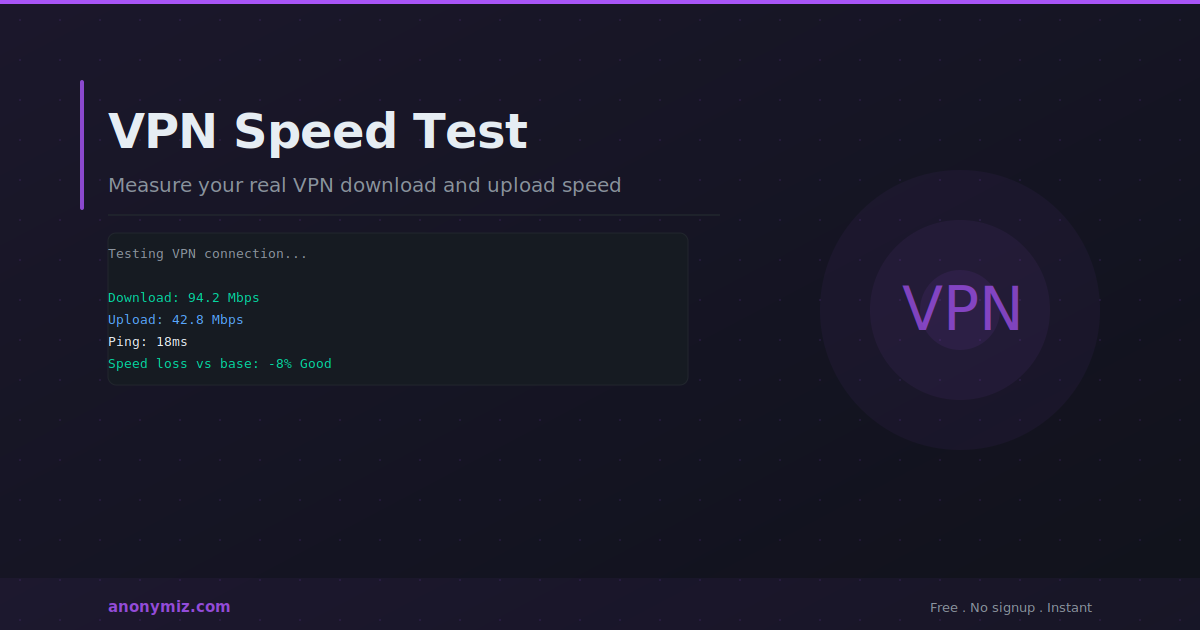
All VPNs slow your internet connection to some degree — the question is how much. Understanding how to measure VPN speed accurately, what factors affect performance, and what speed loss is acceptable helps you choose the right VPN server and protocol for your needs.
Why VPNs Slow Your Connection
A VPN routes your traffic through an additional server — the VPN server — before it reaches the destination. This adds latency (the round-trip time to the VPN server) and processing overhead (the encryption and decryption of your traffic). The closer the VPN server is to you and to your destination, and the more efficient the encryption protocol, the less speed you lose.
How to Test VPN Speed Accurately
The Anonymiz VPN Speed Test measures your current connection speed — whether you are connected to a VPN or not. To measure VPN impact: first test without VPN to establish your baseline speed, then connect to your VPN server and test again. The difference shows exactly how much speed your VPN is consuming.
For accurate results: close background applications that use bandwidth. Test at the same time of day — network congestion varies. Test multiple times and average the results. Test with different VPN servers and protocols to find the optimal configuration.
Factors That Affect VPN Speed
Server location
The physical distance between you and the VPN server directly affects latency. A server in a neighbouring city adds 5 to 20ms of latency. A server on another continent adds 100 to 300ms. For speed-sensitive tasks like video calls and gaming, choose the closest available server. For privacy — where the server's jurisdiction matters — the speed trade-off may be worth it.
VPN protocol
Different protocols have different speed and security trade-offs. WireGuard is the fastest modern protocol — significantly faster than OpenVPN for most connections, with strong security. OpenVPN is slower due to higher processing overhead but is very well-tested. IKEv2/IPSec is fast and handles network switching well — good for mobile connections. L2TP/IPSec is slower than modern alternatives and should be avoided for new deployments.
Server load
A VPN server handling many simultaneous connections performs worse than a lightly loaded one. Quality VPN providers show server load indicators and distribute users across many servers.
Your base connection speed
VPN speed loss is proportional. On a 1Gbps connection, a 10% loss means losing 100Mbps. On a 10Mbps connection the same percentage loss is barely noticeable. The absolute speed floor depends on your VPN provider's server hardware and uplink capacity.
What Speed Loss Is Acceptable?
For general browsing and streaming: 10 to 20% speed loss is imperceptible for most users. For video calls: latency matters more than raw speed — under 50ms additional latency is generally fine. For gaming: latency is critical — avoid VPN servers that add more than 30ms. For large file downloads and uploads: speed loss directly affects transfer time — minimise by choosing the fastest protocol and nearest server.
Frequently Asked Questions
My VPN is much slower than my base connection — what can I do?
Try a different server — closer geographically or with lower load. Switch protocols — WireGuard is almost always faster than OpenVPN. Check if your router or device is the bottleneck — older hardware may not handle VPN encryption at full line speed. Some VPNs are simply slower than others — consider switching providers if performance is consistently poor.
Does using a VPN affect ping in games?
Yes — routing through a VPN server adds latency. However, in some cases a VPN improves gaming ping if your ISP routes traffic suboptimally or throttles gaming traffic. Test both with and without VPN to determine which is faster for your specific game server locations.


