Your robots.txt file is one of the most powerful — and most misunderstood — files on your website. Get it wrong and you can accidentally deindex your entire site. Get it right and you save crawl budget and keep private pages private.
What Is robots.txt?
robots.txt is a plain text file at your site root at yoursite.com/robots.txt. It tells search engine crawlers which pages to crawl or skip, following the Robots Exclusion Protocol — a voluntary standard followed by Googlebot, Bingbot, and DuckDuckBot.
Important: robots.txt controls crawling, not indexing. A blocked page can still appear in search results if other sites link to it. Use a noindex meta tag to prevent indexing.
How Crawl Budget Actually Works
Crawl budget is Google's practical limit on how many pages it will request from your site in a given period, based on your server's response speed and the site's overall popularity — slow response times directly shrink the budget, since Googlebot backs off to avoid overloading a struggling server. Blocking low-value pages (search result pages, filtered category duplicates, admin areas) in robots.txt frees up that budget for pages that actually matter, which is the real mechanism behind "save crawl budget," not just a vague SEO buzzword.
Why Crawl-Delay Doesn't Reliably Work
The Crawl-delay directive, which asks bots to wait a set number of seconds between requests, is honored by Bingbot and some other crawlers but is explicitly ignored by Googlebot, which manages its own crawl rate through Search Console settings instead. Relying on Crawl-delay to slow down Google specifically won't work — for that, the actual controls are in Search Console's crawl rate settings, or reducing server load so Googlebot's own automatic throttling backs off naturally.
Common robots.txt Rules
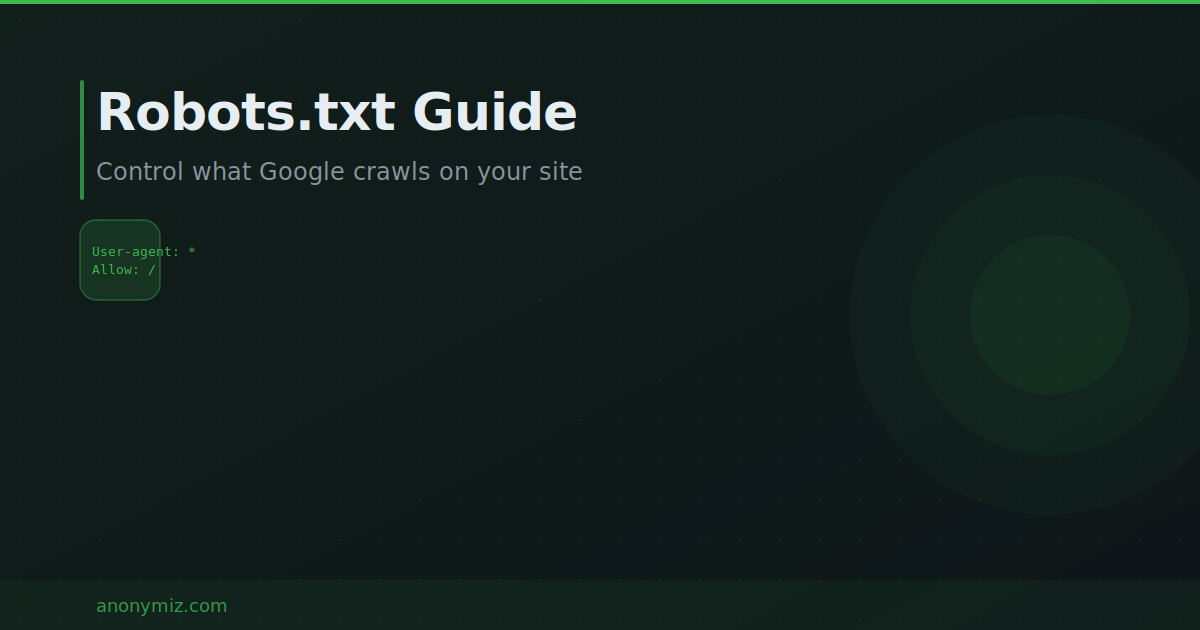
To allow everything: set User-agent to * and Allow to / and include your Sitemap URL. To block a directory: set Disallow to /admin/ or /private/. To block AI training bots like GPTBot: set User-agent to GPTBot and Disallow to / then repeat for other AI crawlers.
Common Mistakes to Avoid
- Blocking CSS and JavaScript — Googlebot needs to render your pages to understand them
- Using robots.txt for sensitive data — it is a public file anyone can read
- Forgetting the Sitemap line — include it to help crawlers discover all your pages
- Case errors — /Admin/ and /admin/ are treated as different paths
Generate Your robots.txt Free
Use the Anonymiz Robots.txt Generator to build a valid file without memorizing syntax. Choose directories to block, add your sitemap URL, and download the ready-to-upload file in seconds.