QR codes are everywhere — on restaurant menus, product packaging, business cards, and event posters. They are one of the fastest ways to share a URL, WiFi password, or contact details without any typing. This guide explains how QR codes work, what types you can generate, and how to create one free instantly.
What Is a QR Code?
QR stands for Quick Response. A QR code is a two-dimensional barcode that encodes data — typically a URL, text, or structured information — in a pattern of black and white squares. Smartphone cameras can read QR codes instantly and act on the encoded data: opening a URL, connecting to WiFi, saving a contact, or composing an email.
QR codes were invented in 1994 by Denso Wave in Japan for tracking automotive parts. They became mainstream globally when smartphones gained native QR scanning — first in Asia, then worldwide during the COVID-19 pandemic when contactless menus drove mass adoption.
Types of QR Codes You Can Generate
URL QR Codes
The most common type. Encodes a website URL — when scanned, the camera opens the URL in the default browser. Use for sharing links on printed materials, business cards, or anywhere a clickable link is not possible. The Anonymiz QR Code Generator creates URL QR codes instantly — enter any URL and download as PNG or SVG.
WiFi QR Codes
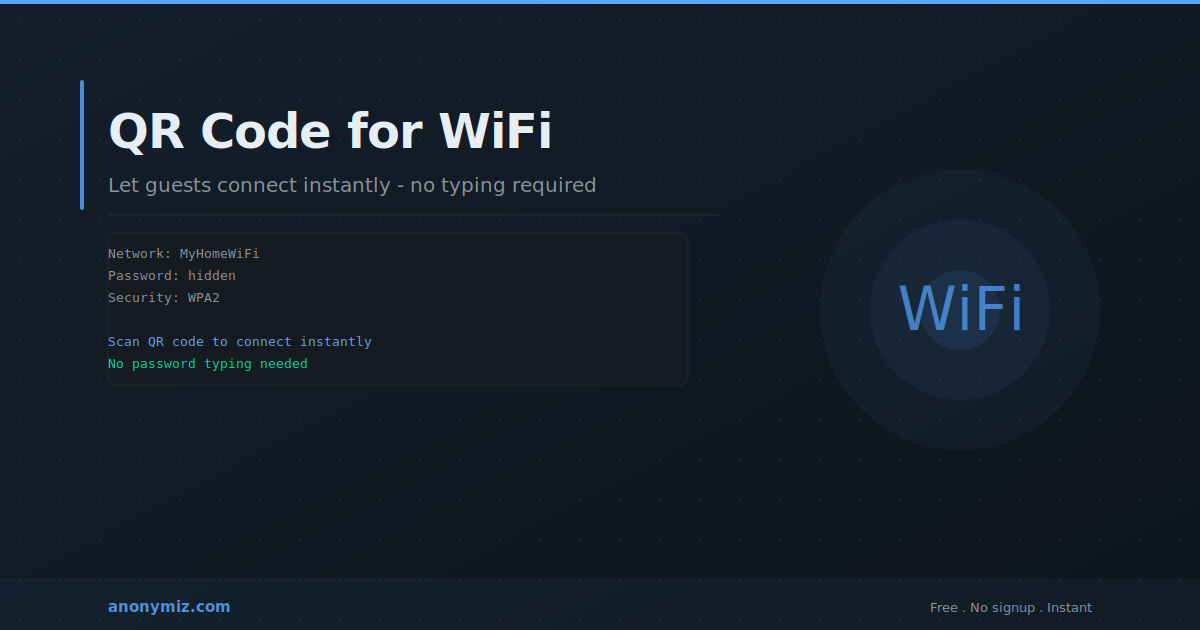
Encodes WiFi network credentials — SSID, password, and security type. When scanned on iOS or Android, the phone automatically connects to the network without typing the password. Essential for cafes, hotels, Airbnbs, and offices. The QR code encodes the password so it can be shared visually without displaying it as readable text.
vCard QR Codes
Encodes contact information — name, phone, email, organisation, address, and website. When scanned, the phone offers to save the contact directly to the address book. Ideal for business cards, replacing the inefficient process of manually typing contact details.
Text QR Codes
Encodes plain text — a message, a code, instructions, or any string. When scanned, the text is displayed directly on the phone. Useful for sharing short codes, confirmation numbers, or brief instructions.
How to Create a QR Code Free
Go to anonymiz.com/qr-code-generator, select the type of QR code you need, and enter the relevant information. The QR code generates instantly in your browser. Download as PNG for most uses, or SVG for print applications where you need it to scale without quality loss. No account required, no watermark, no limits.
QR Code Size and Quality Guidelines
For digital use — websites, emails, presentations — 256px or higher is sufficient. For print — posters, flyers, business cards — use SVG or a minimum of 1000px PNG for sharp rendering at any size. The QR code should be at least 2cm x 2cm when printed for reliable scanning at arm's length. Always test by scanning with multiple phones before printing at scale.
QR Codes and Privacy
Static QR codes share all encoded data with anyone who scans them. If your QR code encodes a WiFi password, anyone who scans it gets the password. For WiFi QR codes, the password is encoded in the QR data but not displayed as readable text — providing practical obscurity for casual observers but not a security measure against determined attackers.
Frequently Asked Questions
Do QR codes expire?
Static QR codes — where the destination is encoded directly in the code — never expire. The code works as long as the destination URL remains active. Dynamic QR codes, which redirect through a third-party service, depend on that service remaining operational.
What is the maximum data a QR code can hold?
A QR code can hold up to 4,296 alphanumeric characters at the lowest error correction level. However, longer data produces denser, harder-to-scan codes. For URLs, keep them under 300 characters — use a URL shortener for longer URLs before generating the QR code.