You asked ChatGPT to write something. The output is accurate and well-structured. It is also completely lifeless — every sentence the same length, every transition word a cliché, every phrase something nobody would actually say out loud.
The good news: humanizing AI text is a learnable skill, and there is a free tool that does most of the work for you. Here is the complete process.
Why AI Text Sounds Robotic
Large language models generate text by predicting the statistically most likely next word. This produces writing that is always technically correct but never surprising. Four consistent problems emerge:
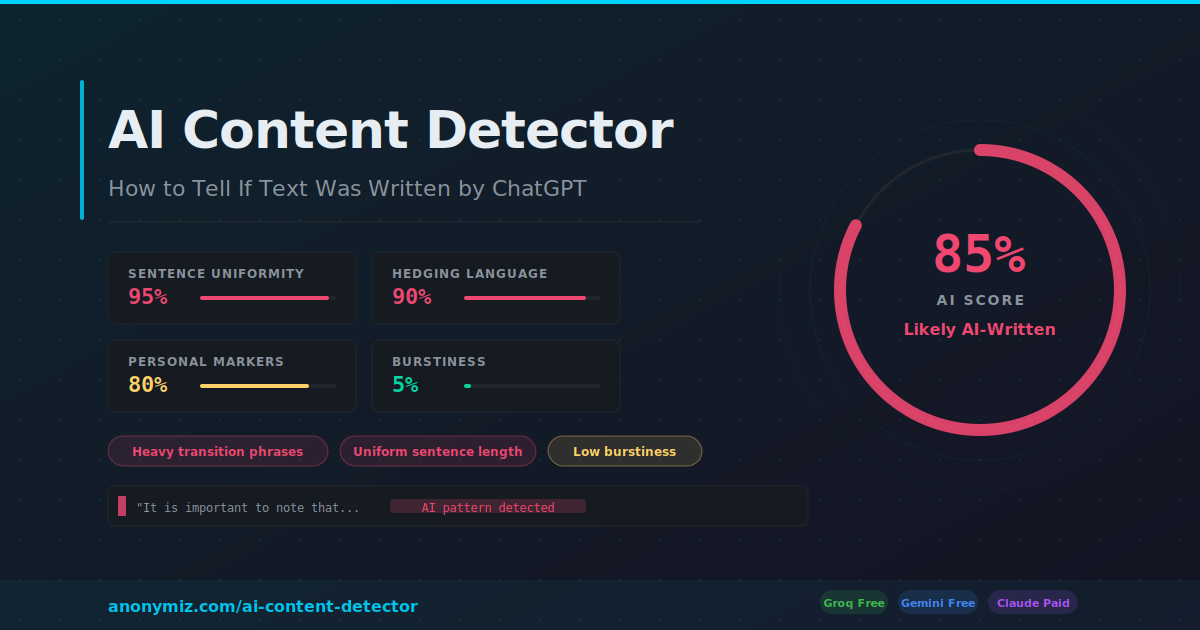
- Uniform sentence length: Every sentence is roughly the same length. Humans vary dramatically — one word. Then a long meandering sentence that builds a point across several clauses before landing somewhere unexpected.
- Transition word addiction: "Furthermore", "Moreover", "Additionally", "It is important to note" — AI uses these constantly because they are statistically common in formal writing. Humans use them sparingly.
- No specificity: AI says "many people find that" where a human would say "my colleague tried this for three months and found that". The absence of specific details is the biggest tell.
- Emotional flatness: Even professional writing has texture — enthusiasm, frustration, irony. AI is always slightly elevated and slightly bland.
The Manual Approach
Before using any tool, understand what you are actually trying to change:
1. Vary your sentence lengths drastically. After a long sentence, write a short one. One word even. This creates the rhythm that makes writing feel alive.
2. Delete every transition word. Go through the text and remove every "furthermore", "moreover", "additionally" and "it is important to note". Then add back only the ones that are genuinely necessary — usually none.
3. Add one specific detail per paragraph. Replace "many businesses have found success with this approach" with "the agency I worked with in 2024 tried this for their biggest client and saw a 40% reduction in support tickets". Specificity is irreplaceable.
4. Add a contradiction or qualification. Humans change their minds mid-paragraph. "This works well — except when it doesn't, which is more often than the guides admit." AI never says this. Adding one genuine caveat makes everything around it feel more credible.
The Faster Way: Use the Free Humanize Tool
If you need to process text quickly, our Humanize AI Text tool does the heavy lifting. Paste any AI-generated text, choose your style (Natural, Casual, Professional, Academic or Creative), and get a rewritten version with AI patterns removed.
The tool specifically targets the patterns AI detectors look for: it varies sentence lengths, removes filler phrases, adds contractions where appropriate and injects a more genuine voice. You still get a full list of what was changed so you can review every edit.
How to Know If It Worked
After humanizing, run the text through our AI Content Detector. It scores text on six dimensions — sentence uniformity, hedging language, predictability, impersonality, burstiness and vocabulary repetition. Aim for a score below 40% for text that will comfortably pass most AI detectors.
A score of 60–70% means some AI patterns remain — go back and add more specific details and vary the sentence lengths further. Below 40% and you are in the range where most automated detectors will classify the text as human-written.
One Thing No Tool Can Add
The one element that genuinely cannot be automated is personal experience. A tool can vary sentence lengths and remove "furthermore". It cannot add the detail that you tried something and it failed, or that you noticed something everyone else seems to miss. That is what makes writing worth reading — and it is entirely yours to add.