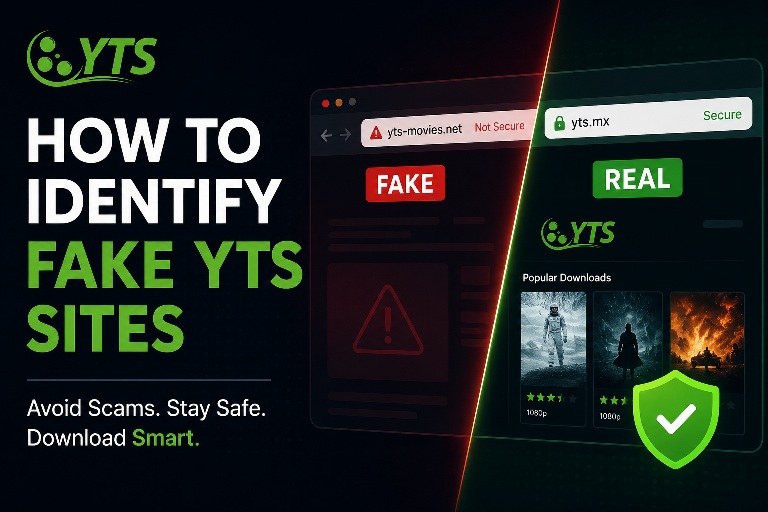
How to Identify Fake YTS Sites in 2026: A Visual and Technical Guide
The popularity of YTS is a magnet for cybercriminals. For every legitimate YTS proxy, there are dozens of fakes designed to steal your data or install ransomware. The scam artists have gotten incredibly good at mimicking the iconic YTS layout.
This guide provides a forensic breakdown of how to identify fake YTS sites in 2026, using visual design inconsistencies, URL structure, and technical HTTP headers.
Red Flag #1: The URL (Pay Attention to the Domain)
This is your first line of defense. Fake sites rely on "typosquatting" or using suspicious TLDs.
- Legitimate: Usually short, clean, and associated with common proxies. Examples:
yts.mx,yts.unblocked,yts-proxies. - Fake: Uses unnecessary words like
yts-download-movies-2026.xyz,yts-official.org(Note: ".org" is often used falsely to convey authority), or hyphens in the main name.
If the domain doesn't fit the classic "YTS" branding, be skeptical. Our verified proxy list only includes domains we have manually inspected for these patterns.
Red Flag #2: The User Interface (UI) Mismatch
Official YTS has a specific design aesthetic: dark purple/black theme, clean sans-serif fonts, and minimal sidebar widgets. If you visit a site that looks like it was made in 2005 (table-based layouts, Comic Sans, or neon green text), it's fake.
However, today's fakes are sophisticated. They copy the CSS directly from the source. If the site looks perfect visually, look for missing torrent data. Search for a classic movie like "Inception". If only 3 seeders show up on a popular movie, the proxy is likely a scraper with outdated data—a sign of a low-effort fake.
Red Flag #3: Aggressive Pop-Ups
Legitimate YTS proxies run on tight budgets. They use 1 or 2 static banner ads, usually below the fold. If you are bombarded with full-screen takeover ads, "You're a Winner!" pop-ups, or redirects to betting sites within 2 seconds of clicking, close the tab. The proxy owner is prioritizing ad revenue over user safety, which is a massive red flag.
Red Flag #4: The Torrent Download Trick
This is the most dangerous. On fake sites, clicking the "Magnet" or "Download" button might do the following:
- Download a
.exeor.scrfile instead of a.torrentfile. - Open a new tab asking you to "Install a download manager" (which is spyware).
Pro Tip: Hover over the download link. Look at the bottom-left of your browser. If the link doesn't end in .torrent or isn't a magnet: URI, do not click it.
Technical Verification (Advanced)
If you are tech-savvy, inspect the HTTP headers using Chrome Developer Tools (F12 > Network tab). A safe proxy will generally have headers like Server: nginx or Cloudflare. If you see Server: Microsoft-IIS or outdated Apache versions, it's likely hosted on a compromised VPS and should be avoided.
Frequently Asked Questions
Are all unblocked sites fake?
No. The term "unblocked" is a common marketing tactic. However, many "Unblocked YTS" sites are short-lived and may rotate malware. Use them with caution.
What should I do if I downloaded a file from a fake site?
Do not execute it. Immediately delete the file. Run a full system scan with Windows Defender or Malwarebytes. Change passwords for any accounts you have saved in your browser.
Conclusion
Your safety while using YTS hinges on your ability to differentiate the genuine from the malicious. By checking the domain name, analyzing the UI, watching for pop-ups, and verifying download links, you can navigate the YTS ecosystem safely. For a zero-risk approach, always start your search from our hand-picked safe YTS proxy directory.