The padlock icon in your browser represents an SSL certificate — one of the most important security mechanisms on the web. Understanding what it means, what it actually protects, and how to check it matters for website owners, developers, and users who want to know if a site is truly secure.
What Is an SSL Certificate?
SSL stands for Secure Sockets Layer — though the current protocol is actually TLS (Transport Layer Security). An SSL certificate serves two purposes: it enables encrypted communication between a browser and a web server, and it verifies the server belongs to the claimed organisation. When you visit a site with HTTPS, your browser and the server perform a cryptographic handshake — everything transmitted is encrypted and unreadable to anyone monitoring the network.
What SSL Protects — and What It Does Not
SSL protects against network interception (man-in-the-middle attacks). Without HTTPS, data is plain text — anyone on the same network can read it. What SSL does not protect: it does not verify the website is trustworthy. A phishing site can have a valid SSL certificate — the padlock means the connection is encrypted, not that the site is safe.
Certificate Types
Domain Validation (DV) — verifies only domain control. Free via Let's Encrypt. Suitable for most websites. Organisation Validation (OV) — verifies the organisation's legal existence. Used by businesses where identity verification adds trust. Extended Validation (EV) — highest verification level. Used by banks and financial institutions.
Certificate Errors
Certificate expired — validity period ended. Serious warning. Not trusted — issued by unrecognised certificate authority. Common with self-signed certificates. Name mismatch — certificate issued for a different domain — serious red flag. Mixed content — HTTPS page loads some resources over HTTP.
How to Check Any SSL Certificate
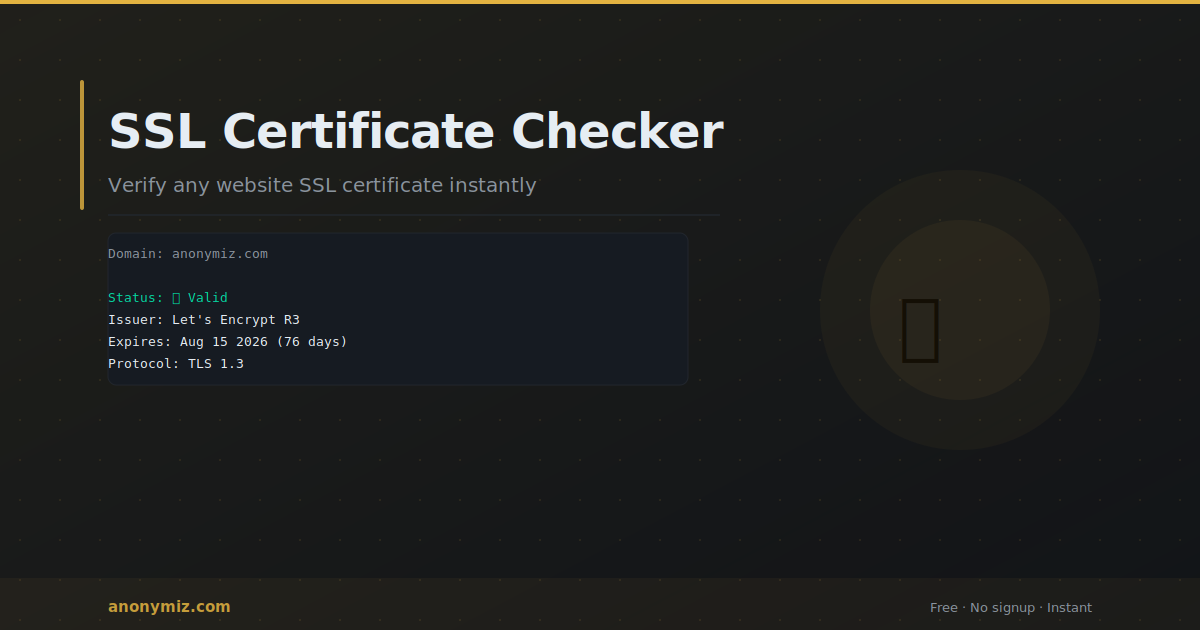
The Anonymiz SSL Checker inspects any domain's certificate and shows the issuer, expiry date, protocol version, and validity status instantly. No account required. Essential for verifying your own certificates before they expire and checking third-party sites before entering sensitive information.
Certificate Expiry — The Most Common SSL Problem
Let's Encrypt certificates expire after 90 days. Commercial certificates last one to two years. When expired, browsers show security warnings that block most users. Fix: use automatic renewal — certbot handles Let's Encrypt renewal. Set calendar reminders 30 and 7 days before expiry for commercial certificates.
Frequently Asked Questions
Is HTTPS enough to make a site safe?
No. HTTPS means the connection is encrypted, not that the site is safe. Phishing sites routinely use HTTPS. Always verify you are on the correct domain before entering sensitive information.
What is the difference between SSL and TLS?
SSL is the original deprecated protocol. TLS is the current successor — TLS 1.2 and TLS 1.3 are in active use. When people say SSL they almost always mean TLS. TLS 1.3 is significantly faster due to a more efficient handshake.