Cryptographic hash functions are fundamental to computer security — used for password storage, file integrity verification, digital signatures, and blockchain. Understanding how hashing works, what the differences are between MD5 and SHA-256, and when to use each algorithm is essential for any developer or security professional.
What Is a Hash Function?
A cryptographic hash function takes any input — a password, a file, a message of any length — and produces a fixed-length output called a hash or digest. The same input always produces the same output. Even a tiny change completely changes the output. Critically, it is computationally infeasible to reverse the process — you cannot reconstruct the original input from the hash.
Key Properties
Deterministic — same input always produces same hash. Fixed output length — MD5 always 128 bits, SHA-256 always 256 bits. Avalanche effect — changing one bit of input completely changes the output. Preimage resistance — given a hash, computationally infeasible to find the input. Collision resistance — computationally infeasible to find two inputs producing the same hash.
MD5 — Fast but Broken for Security
MD5 produces a 128-bit hash and was widely used from the 1990s. It is extremely fast, useful for file integrity checksums where security is not a concern. However, MD5 is cryptographically broken — practical collision attacks have been demonstrated. MD5 should never be used for password storage or any security-sensitive purpose. Acceptable only for non-security uses like checksums and file deduplication.
SHA-256 — The Current Standard
SHA-256 (SHA-2 family) produces a 256-bit hash and is the current gold standard for cryptographic hashing — used in TLS certificates, HTTPS, code signing, Git commit IDs, and Bitcoin. No practical collision attacks exist against SHA-256. Intentionally slower than MD5 for security applications where speed is a vulnerability.
Hashing for Password Storage
Passwords should never be stored as plain text or simple hashes. MD5 and SHA-256 password hashes can be cracked using rainbow tables or GPU brute force. Use slow, salted, purpose-built algorithms: bcrypt, scrypt, Argon2, or PBKDF2. These are computationally expensive by design to slow brute force attacks.
Generate Hashes Free
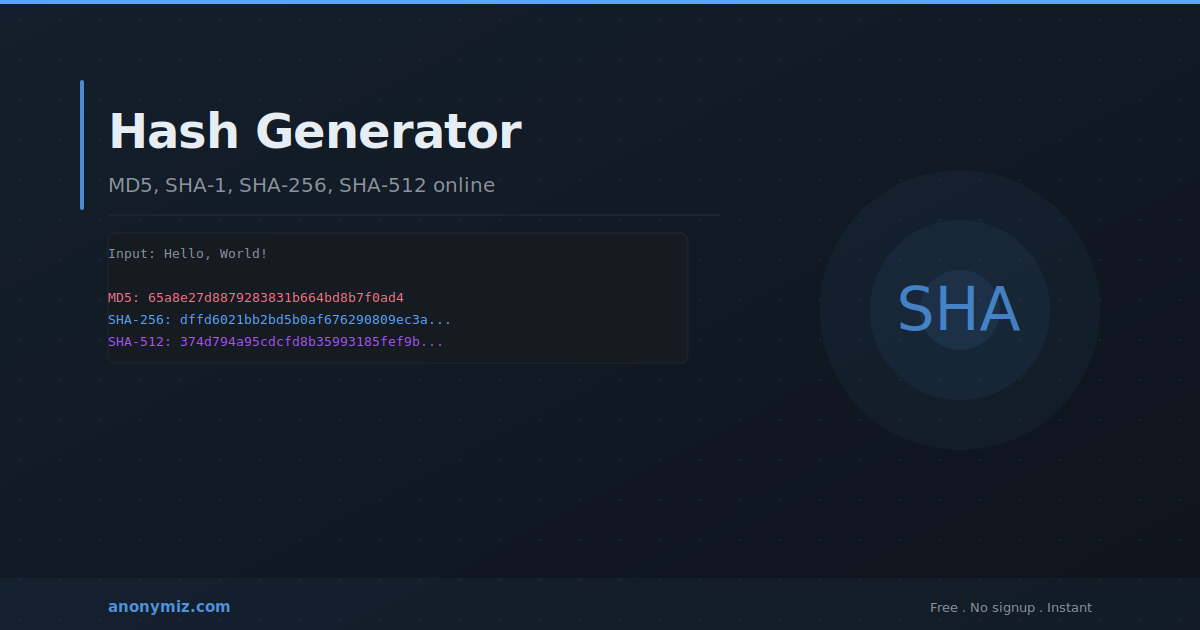
The Anonymiz Hash Generator computes MD5, SHA-1, SHA-256, and SHA-512 hashes for any text input instantly in your browser. Useful for verifying file integrity, testing implementations, and generating checksums. No account required.
Frequently Asked Questions
Can I recover original text from a hash?
Not in general — hash functions are designed to be one-way. However, common inputs like short passwords can be cracked using precomputed rainbow tables. This is why password hashing must use a random salt added to each password before hashing.
What is SHA-1?
SHA-1 produces a 160-bit hash. In 2017 Google demonstrated the first practical SHA-1 collision. SHA-1 is now deprecated for security — use SHA-256 or SHA-512 for all new applications.