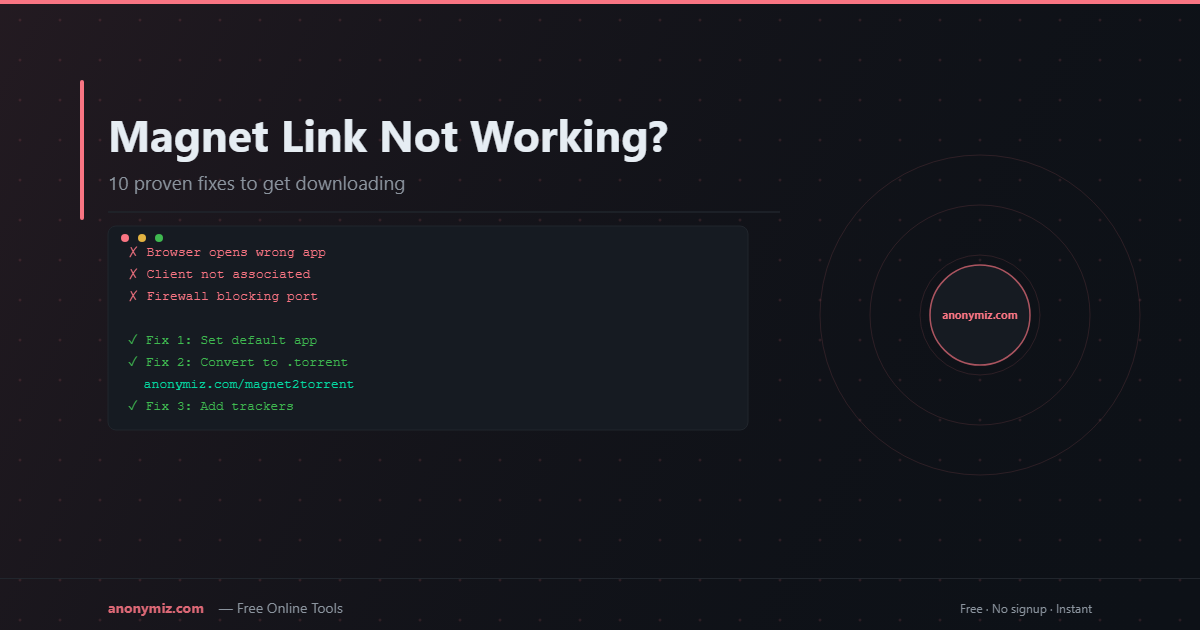
A magnet link that does nothing when you click it is one of the most frustrating torrent problems. The link just sits there — no download prompt, no client opening, nothing. Or it opens your client but sits stuck forever. Here are 10 fixes that cover every possible cause, from the fastest one-click solution to deep configuration issues.
Fix 1: Convert the Magnet Link to a .Torrent File
This is the fastest fix and works regardless of the underlying cause. Instead of fighting with your client, bypass it entirely.
⚡ Fastest Fix — Works Every Time
Paste the broken magnet link into the Magnet to Torrent Converter → get a .torrent file → open it directly in any client. No configuration needed. Works in 10 seconds.
Fix 2: Set Your Torrent Client as the Default for Magnet Links
The most common reason a magnet link "doesn't work" is that your OS doesn't know which app should handle the magnet: URI scheme.
- Windows 11: Settings → Apps → Default apps → scroll to "magnet" → choose your client
- Windows 10: Open your torrent client → Tools → Preferences → check "Associate with magnet links"
- macOS: Open your torrent client once — most auto-register themselves on first launch
- Linux: Run
xdg-mime default qbittorrent.desktop x-scheme-handler/magnet
Fix 3: Allow Your Torrent Client Through Your Firewall
Windows Defender, macOS Gatekeeper, or third-party firewalls often block torrent clients from making outbound connections. Add your torrent client as a firewall exception to allow it to connect to peers and trackers.
Fix 4: Enable DHT, PEX and LSD
In qBittorrent: Tools → Options → BitTorrent — enable DHT (network), DHT (for new torrents), Peer Exchange, and Local Service Discovery. These are the peer discovery mechanisms that magnet links depend on.
Fix 5: Check Your Browser's Magnet Link Handler
Modern browsers (Chrome, Firefox, Edge) sometimes intercept magnet links and refuse to pass them to your client. Fix by browser:
- Chrome: When clicking a magnet link, a dialog should appear asking which app to open. If it doesn't appear, go to
chrome://settings/handlersand remove any magnet handler, then retry. - Firefox: Settings → General → Applications → find "magnet" → change to your torrent client
- Edge: Settings → Default browser → Protocol handlers → allow magnet protocol
Fix 6: Try a Different Torrent Client
Some clients handle magnet links better than others. If qBittorrent is failing, try Transmission, Deluge, or LibreTorrent on Android. The same magnet link often works immediately in a different client.
Fix 7: Add Public Trackers to the Stalled Torrent
If the client opens but shows 0 peers or is stuck retrieving metadata, the magnet link may lack tracker information. Right-click the torrent → Edit Trackers → add:
udp://tracker.opentrackr.org:1337/announceudp://open.tracker.cl:1337/announceudp://9.rarbg.com:2810/announce
Fix 8: Check for ISP Throttling
Some ISPs throttle or block BitTorrent traffic entirely. Signs include: magnet links open in your client but download at 0 KB/s despite seeing peers. Use a VPN to bypass ISP-level BitTorrent blocks.
Fix 9: Update Your Torrent Client
Old versions of torrent clients sometimes have bugs with magnet link handling or DHT. Update to the latest version — qBittorrent, Transmission, and other major clients release frequent updates.
Fix 10: Check the Magnet Link Itself
Make sure the magnet link is complete and correctly formatted. A valid magnet link must start with magnet:?xt=urn:btih: followed by a 40-character info hash. Truncated or corrupted links (common when copying from mobile) simply won't work.
Test: paste the magnet link into the Magnet to Torrent Converter — if it can't parse the info hash, the link itself is malformed.
Frequently Asked Questions
Why does the magnet link work on my desktop but not phone?
Mobile apps handle magnet links differently. On Android, install a client like LibreTorrent or Flud, then long-press the magnet link and select "Open with." On iOS, use an app like Tes or iTransmission.
The magnet link opens qBittorrent but downloads at 0 KB/s — why?
Zero download speed with connected peers usually means your router isn't forwarding the torrent port. Enable UPnP in your client (Tools → Options → Connection → check Use UPnP/NAT-PMP) or manually forward the port on your router.
Is the magnet link expired?
Magnet links don't expire. As long as the info hash is valid and at least one peer is online, the link works. If nothing works, the torrent likely has no active seeders at this moment.