JSON Web Tokens (JWTs) are the most widely used format for authentication on the modern web. They appear in API headers, URL parameters, and cookies across millions of applications. This guide explains what JWTs are, how to read them, and the critical security implications of how they work.
What Is a JWT?
A JSON Web Token is a compact, URL-safe string encoding claims — statements about a subject, typically a user. JWTs allow authentication information to be transmitted between client and server in a way that can be verified without a database lookup. They are stateless: all verification information is contained within the token itself.
The Three Parts of a JWT
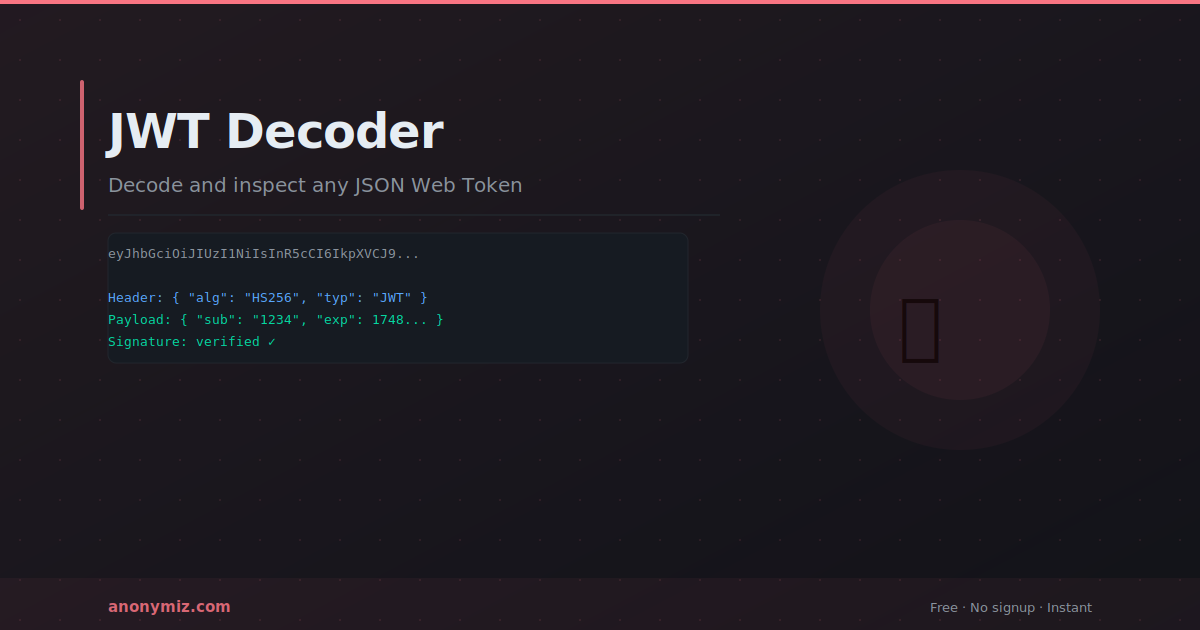
A JWT has three Base64URL-encoded sections separated by dots: Header.Payload.Signature
Header — token type and signing algorithm. Example: {"alg": "HS256", "typ": "JWT"}. HS256 = HMAC-SHA256 (symmetric). RS256 = RSA-SHA256 (asymmetric — private key signs, public key verifies).
Payload — the claims and data. Standard claims: sub (subject/user ID), iat (issued at timestamp), exp (expiration timestamp), iss (issuer). Applications add custom claims for roles and permissions.
Signature — cryptographic proof the token was not tampered with. Cannot be verified without the secret key or public key — but header and payload can be decoded by anyone without any key.
Critical Security Point
JWT payloads are Base64-encoded, not encrypted. Anyone with a JWT can decode and read the header and payload — no key required. Never put sensitive data (passwords, card numbers, private information) in a JWT payload unless using encrypted tokens (JWE). Always transmit JWTs over HTTPS.
How to Decode Any JWT
The Anonymiz JWT Decoder decodes any JWT instantly — paste the token and see the header, payload, and signature in readable JSON. Expiry time shows as a human-readable date. No account required, nothing logged. Useful for debugging API authentication during development.
Frequently Asked Questions
Can I verify a JWT without the secret key?
You can decode and read the payload without the key but cannot verify the signature. Verification — confirming the token was not tampered with — requires the signing key (HS256) or public key (RS256).
Where should I store JWTs?
Cookies with HttpOnly and Secure flags are safer than localStorage. localStorage is accessible to JavaScript — any XSS vulnerability can steal tokens. HttpOnly cookies are not accessible to JavaScript at all.