Base64 is one of the most commonly encountered encoding schemes in computing. You encounter it in email attachments, data URLs, API authentication headers, and JSON Web Tokens. Understanding what Base64 is makes you significantly more effective when working with web APIs and authentication systems.
What Is Base64?
Base64 is a binary-to-text encoding scheme converting binary data into a string of 64 ASCII characters: A-Z (26), a-z (26), 0-9 (10), and + and / with = for padding. This character set is safe in any text-based context — URLs, email, JSON, HTML attributes.
Why Base64 Exists
Many systems and protocols were designed to handle text only. Email originally supported only ASCII text. When binary data — images, documents, executable files — needed to travel through text-only systems, it needed conversion. Base64 represents any binary data using only printable ASCII characters.
How Base64 Works
Base64 converts every 3 bytes (24 bits) of binary into 4 Base64 characters (each representing 6 bits). This is why Base64-encoded data is approximately 33% larger than the original. If the input length is not divisible by 3, padding characters (=) are appended to make the output length a multiple of 4.
Where You Encounter Base64
Email attachments — MIME encoding uses Base64 to include binary files in text emails. Data URLs — images embedded directly in HTML/CSS as data: URLs. HTTP Basic Auth — credentials are Base64-encoded in the Authorization header (not encrypted). JWTs — all three sections use Base64URL encoding. API keys — binary keys distributed as Base64 strings.
Base64 vs Base64URL
Standard Base64 uses + and / which have special meanings in URLs. Base64URL replaces + with - and / with _ and omits = padding. JWTs use Base64URL for all three sections.
Base64 Is NOT Encryption
Anyone with a decoder can instantly read Base64 data — no key required. Never rely on Base64 for security. It is a data representation format, not a security mechanism.
How to Encode and Decode
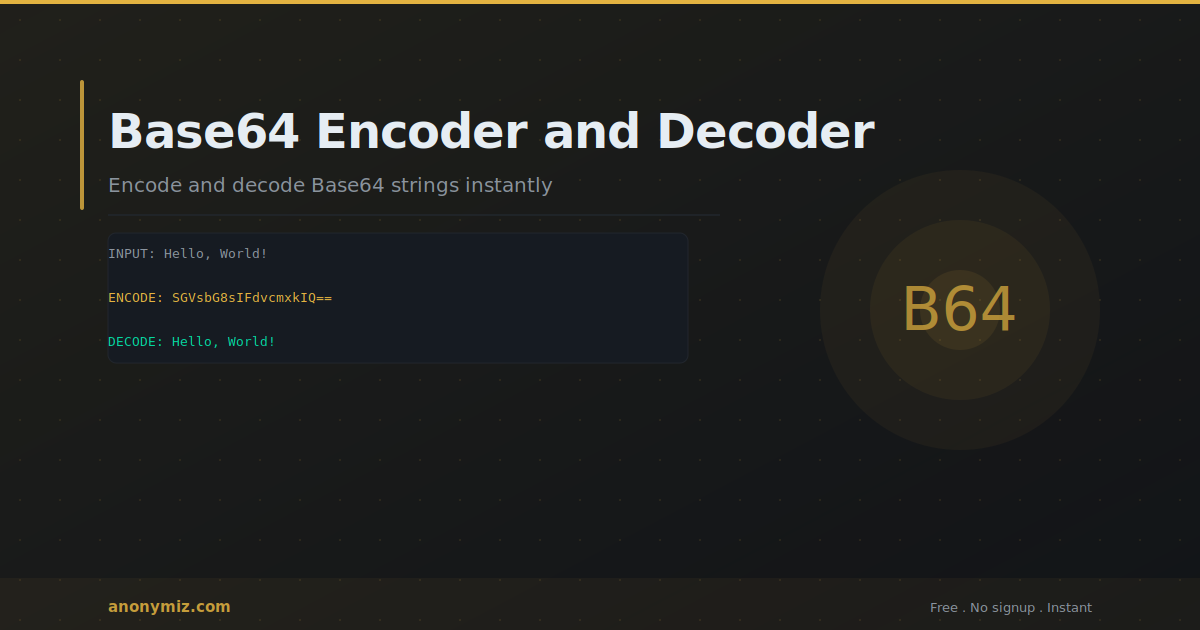
The Anonymiz Base64 Encoder and Decoder handles both directions instantly. Paste text to encode or paste a Base64 string to decode. No account required.
Frequently Asked Questions
Why does Base64 end with == sometimes?
The = padding characters indicate the input length was not a multiple of 3 bytes. One = means one byte of padding; two == means two bytes. Sometimes omitted in Base64URL encoding.
Is Base64 compression?
No — Base64 expands data by about 33%. It converts binary to text for compatibility, at the cost of increased size.